Does the Nintendo Switch Come with an SD Card? Understanding Your Console Storage Options
Introduction
Allocating enough storage for gaming is crucial, yet the Nintendo Switch does not come with an SD card. Understanding its storage capabilities enables you to optimize gameplay management effectively. This guide dives into what you get with the Nintendo Switch and how to navigate additional storage solutions with SD cards.
What’s Included with Your Nintendo Switch?
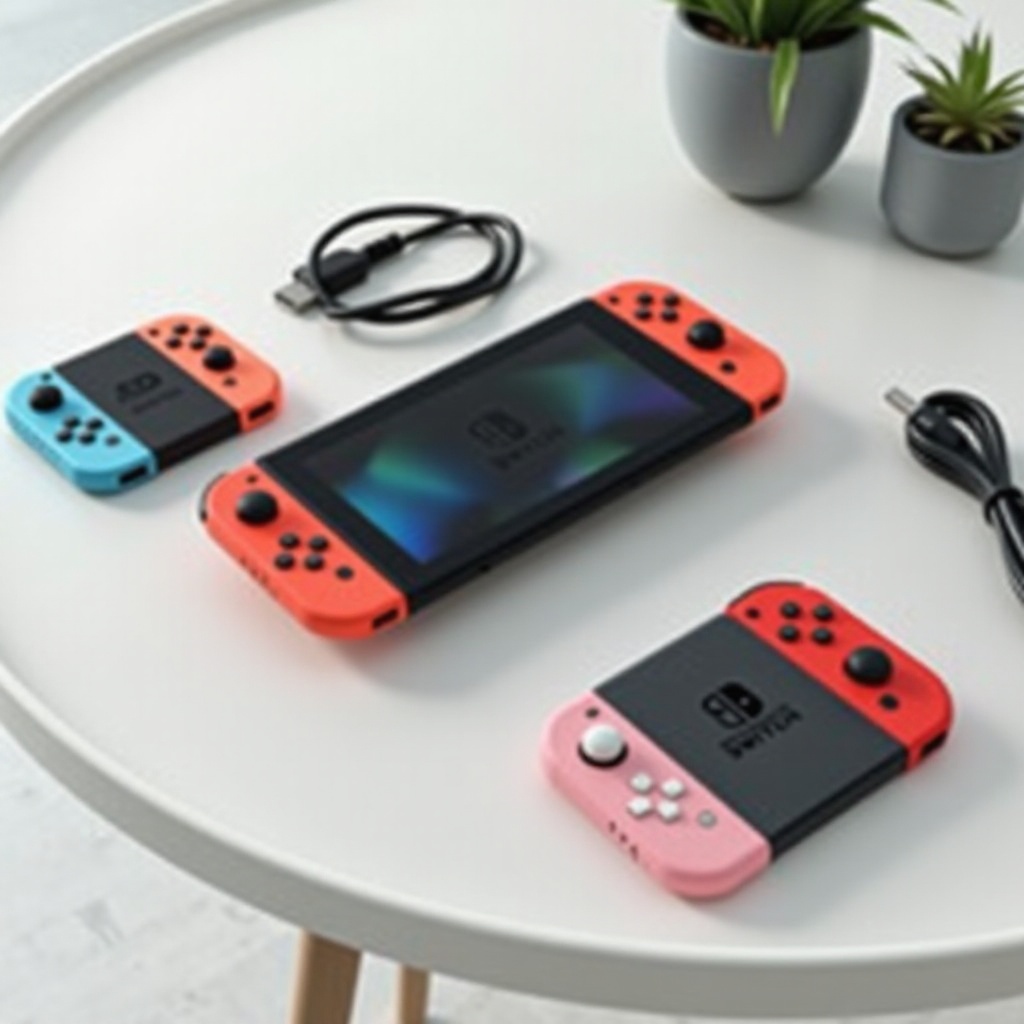
Each Nintendo Switch box contains the console, Joy-Con controllers, a dock, an HDMI cable, Joy-Con straps, a grip, and a power adapter. Notably, an SD card is absent. Upon purchase, the console offers different built-in storage:
– Nintendo Switch (Original and OLED models): 32GB internal storage.
– Nintendo Switch Lite: Also equipped with 32GB internal storage.
While this internal storage can accommodate basic needs, it may quickly become insufficient for users preferring digital downloads over physical cartridges. Hence, identifying the need for additional storage becomes essential for gamers.
The Importance of Additional Storage for Your Switch
Digital downloads of games, subsequent updates, and add-on content progressively demand more space. When your internal storage becomes full, installing a vast library of games can be cumbersome. However, enhancing your console’s capacity with additional storage offers multiple benefits:
– More choices in game retention without the hassle of deletion.
– Convenience of having games readily accessible without swapping physical cartridges.
– Sufficient room for necessary updates and downloadable content (DLC) to elevate your gaming experience.
Recognizing the necessity for additional storage paves the way for making informed decisions about purchasing an SD card.
Do You Need to Purchase an SD Card Separately?
Yes, an SD card purchase is necessary as it’s not included with either Switch model. The pre-installed 32GB might suffice for casual gaming sessions using physical cartridges. Conversely, if one leans towards digital downloads, expanding storage becomes imperative.
Many new console owners assume that internal memory is adequate. However, understanding your style and habits can guide whether expanded storage with an SD card is necessary to complement your playing needs.
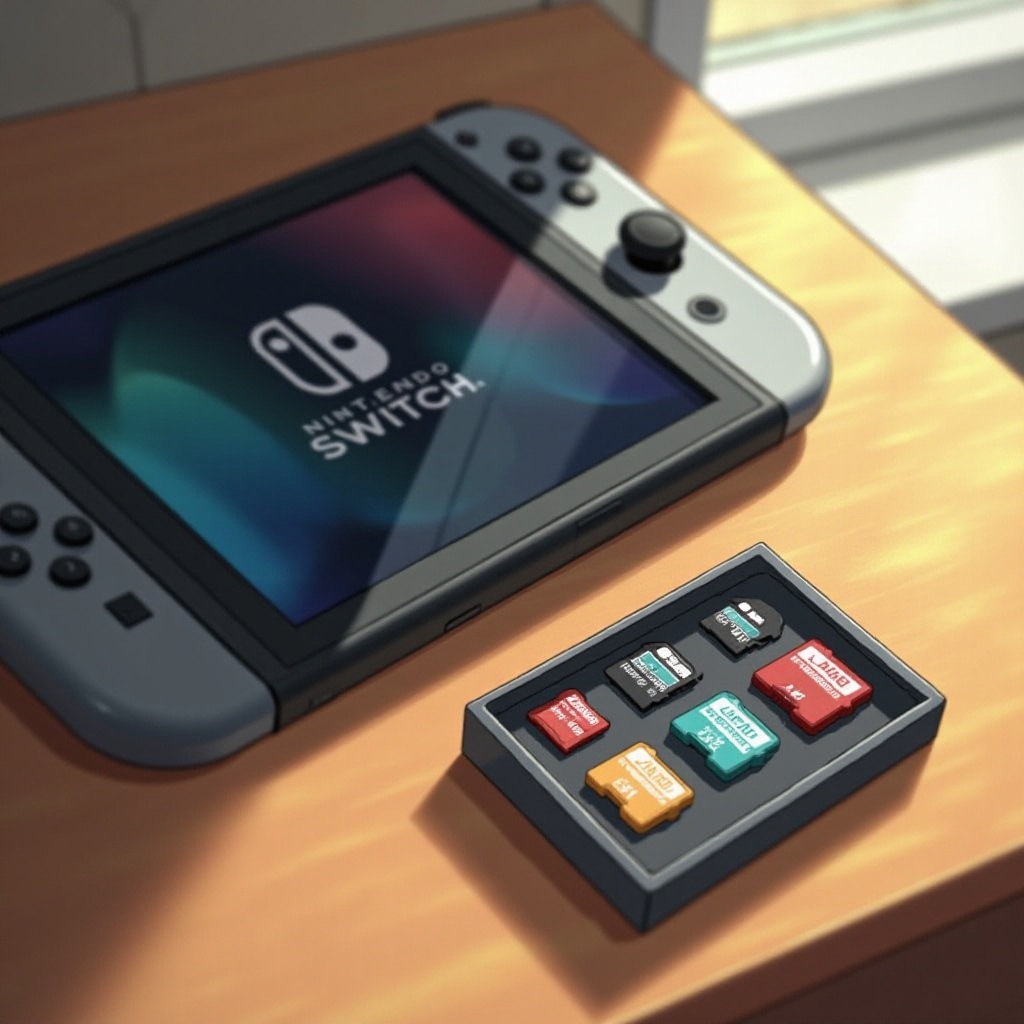
How to Choose the Right SD Card for Your Nintendo Switch
Selecting a suitable SD card involves analyzing compatibility, capacity, and reliability:
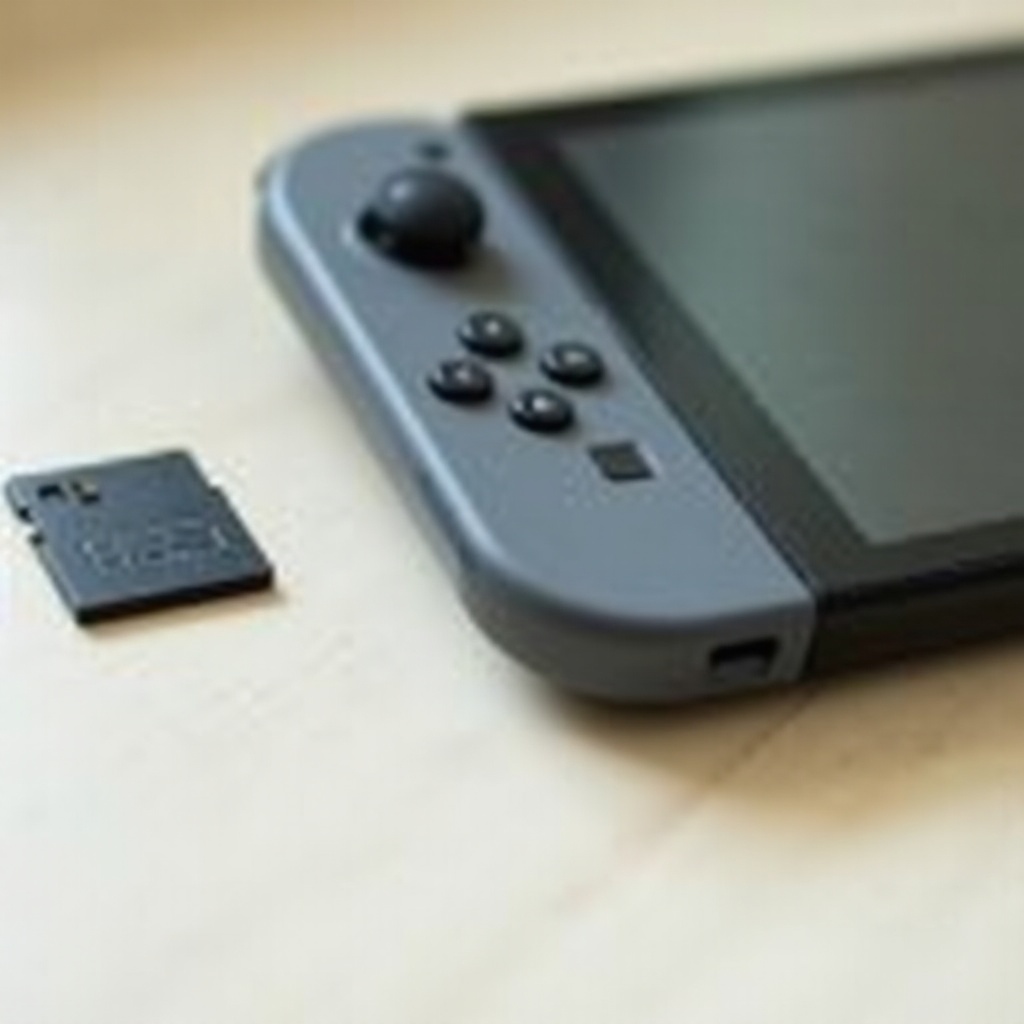
– Compatible SD Cards: Ensure selection of microSD, microSDHC, or microSDXC cards labeled ‘UHS-I’ for optimal function.
– Recommended Capacity: Ranging from 32GB to 1TB, the 128GB and 256GB variants strike a good balance between cost and storage.
– Reliable Brands: Opt for reputable brands like SanDisk, Samsung, or Kingston for ensured reliability and warranty.
Proper selection of an SD card not only expands storage capacity but harmonizes efficiently with budget planning, enhancing your overall gaming experience.
Installing and Managing Your SD Card on Nintendo Switch
After acquiring your SD card, follow these steps for installation and management:
1. Power off your Nintendo Switch to prevent data issues.
2. Locate the microSD card slot at the back of your console, beneath the kickstand.
3. Insert the SD card by gently pushing it until you hear a click.
4. Power on your Switch, and it should automatically detect the new storage.
Managing your data effectively is paramount:
– Data Transfer: Accomplish seamless transfer from internal memory to the SD card through system settings.
– Regular Maintenance: Check your storage to prevent clutter and optimize space.
By keeping the system organized, your Nintendo Switch performs efficiently, accommodating every game and update.
Conclusion
Maximize your Nintendo Switch enjoyment by understanding its storage dynamics. Knowing the limitations of the internal memory ensures you can plan for expanding capacity to suit your gaming habits. With an SD card, tailored storage options become manageable, giving you an uninterrupted and enjoyable gaming journey.
Frequently Asked Questions
Can I use any microSD card with the Switch?
No, the Nintendo Switch requires microSD, microSDHC, or microSDXC cards with UHS-I support for optimal performance.
How much does an SD card for the Switch cost?
Prices vary; a 128GB card can start as low as $20, while higher capacities, like 512GB, can be significantly more.
Will using an SD card affect the performance of my games?
Using an SD card generally doesn’t affect performance; choose a high-speed card for optimal loading times and smooth gameplay.