Troubleshooting Computer Motherboard Problems: A Comprehensive Guide
Introduction
The motherboard is the central hub of communication for a computer system, connecting all vital components. Its key role makes it imperative to diagnose and solve any motherboard-related issues promptly. This guide will help you identify, assess, and fix common motherboard problems, ensuring that your computer remains in good working order.
Identifying Symptoms of Motherboard Problems
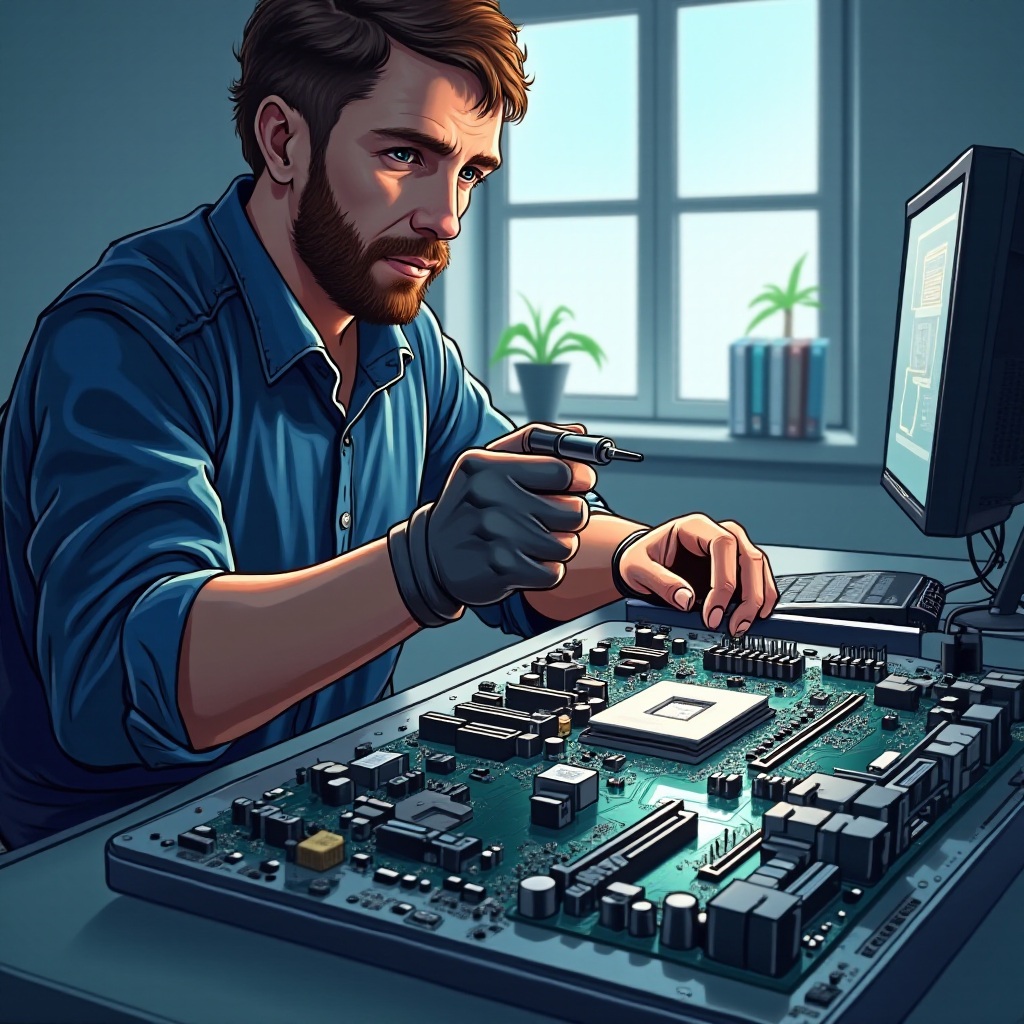
Spotting early signs of motherboard issues can prevent further complications. Here are the key symptoms to be aware of:
- Power-Related Issues: Symptoms include unexpected shutdowns or a failure to power on, suggesting the motherboard might have difficulty managing power.
- Boot Failures and Error Codes: Persistent boot errors or a failure to start up can indicate motherboard problems.
- Peripheral Malfunctions: Trouble with connected devices, such as unresponsiveness or recognition failures, often points back to the motherboard.
Understanding these indicators lays the groundwork for effective diagnostics, which is our next step.
Diagnostic Techniques for Motherboard Problems
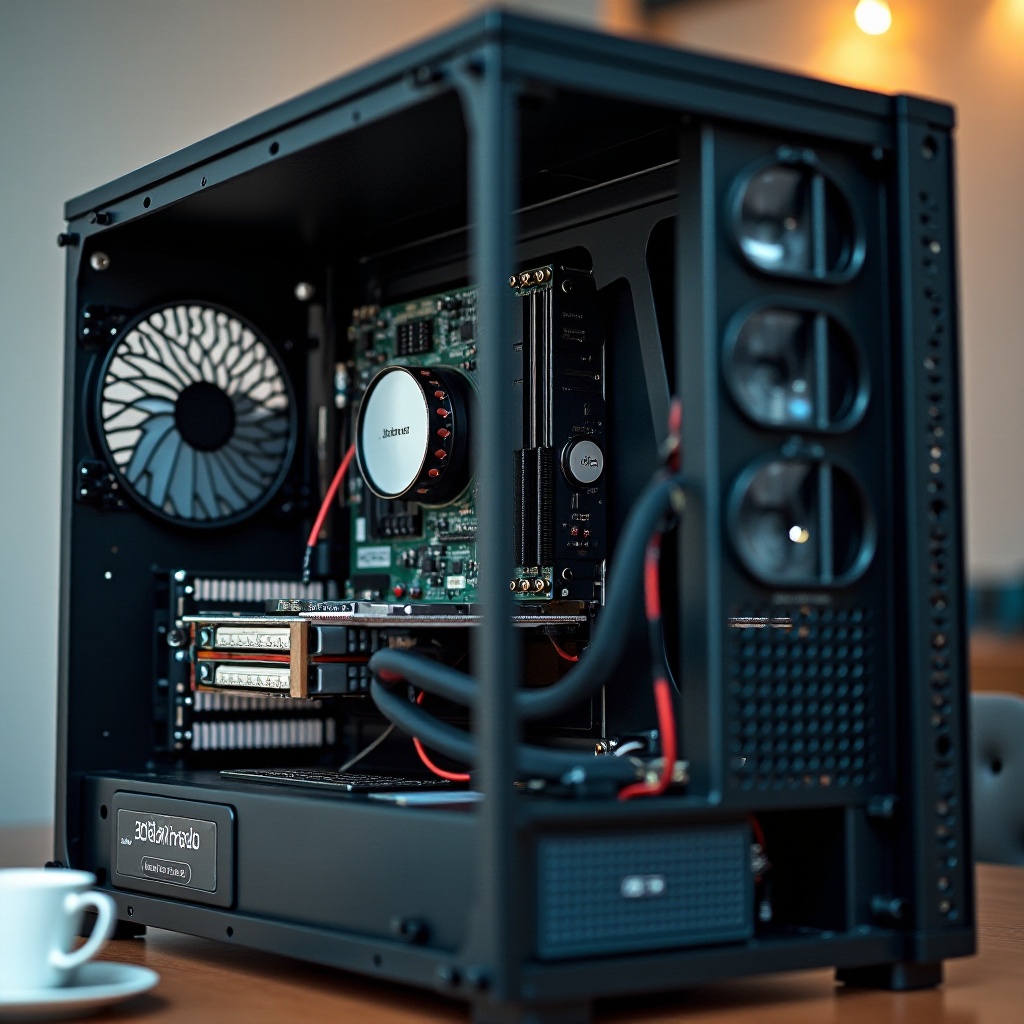
Once you’ve identified potential symptoms, use these diagnostic techniques to pinpoint the problem:
- Visual Inspections: Examine the motherboard for physical damage, like burnt areas or leaking capacitors.
- Using Diagnostic Software: Employ software tools to conduct thorough checks on your system, helping uncover motherboard-related hardware issues.
- Interpreting Motherboard Beep Codes: If the computer doesn’t boot, listen for beep codes. Each pattern hints at a different issue, guiding your diagnostic efforts.
Having identified the likely cause, it’s now time to explore solutions for the common problems you’ve uncovered.
Common Computer Motherboard Problems and Their Fixes
Addressing motherboard issues requires a careful approach and tried-and-true solutions:
- Power Supply and Voltage Issues: An inadequate power supply can be catastrophic for a motherboard. Ensure your power supply unit (PSU) is sufficient and utilize a surge protector to combat electrical spikes.
- Overheating and Thermal Management: Excess heat can cause severe damage. Ensure your cooling system is effective by using high-quality fans and maintaining clear air paths.
- BIOS and Firmware Problems: Problems with BIOS can disrupt your computer’s startup process. Updating your BIOS can resolve these issues, enhancing both hardware compatibility and stability.
With these solutions in mind, consider the importance of preventive measures to sustain motherboard health.
Preventive Maintenance for Motherboard Health
Preventive steps can help prolong a motherboard’s life:
- Effective Cooling Solutions: Invest in advanced fans or liquid cooling to keep your motherboard within safe temperature ranges.
- Power Management and Surge Protection: A UPS can provide a buffering power supply and prevent unexpected surges from damaging your system.
- Regular Software and Firmware Updates: Keeping drivers and BIOS updated ensures optimal performance and protects against vulnerabilities.
These strategies help in maintaining not just the motherboard but the overall health of your computer system.
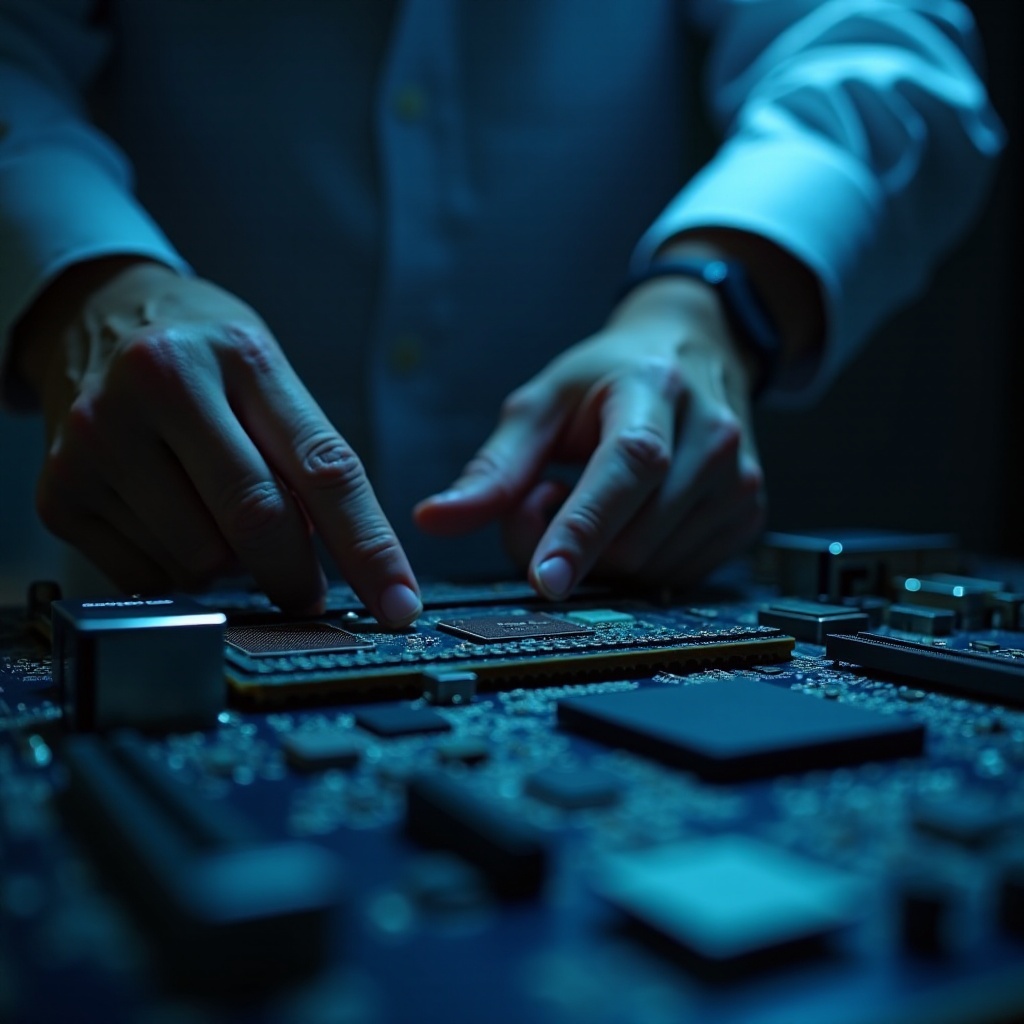
When to Seek Professional Assistance
Despite best efforts, some situations may require professional intervention:
- Signs of Severe Motherboard Damage: If you identify burnt components or the motherboard remains unresponsive after replacing the PSU, it’s best to consult a professional.
- Cost-Benefit Analysis of Repair vs. Replacement: Professionals can offer insight into whether repairing or replacing the motherboard is more viable, often balancing cost against the potential for technological upgrades.
Seeking expert advice in these instances ensures your computer receives the best path forward.
Conclusion
Addressing motherboard problems effectively demands attention to detail and swift action. By following these guidelines for diagnostics, repairs, and maintenance, you can keep your PC in outstanding condition, maximizing both performance and longevity.
Frequently Asked Questions
What are the signs of a failing motherboard?
Signs include unexpected shutdowns, boot failures, and unresponsive peripherals. Prompt attention to these signs is crucial for early intervention.
How often should I update my BIOS?
BIOS updates should be performed to resolve specific issues or improve hardware compatibility but aren’t needed routinely unless advised by your manufacturer.
Can a power surge damage my motherboard?
Yes, power surges can severely damage a motherboard. Using surge protectors or a UPS can protect against such electrical threats.