The Ultimate Home Theater Projector Setup Guide
Introduction
Crafting a home theater that transcends the ordinary and delivers an extraordinary viewing experience involves more than just buying a projector. It is about transforming your living space into an immersive media haven where movies, games, and sports come to life. Whether you are a film buff or a gaming enthusiast, our guide will help you create a flawless projector setup. We’ll cover everything from choosing the perfect projector to troubleshooting common issues, ensuring your home theater dreams become a reality.
Choosing the Right Projector
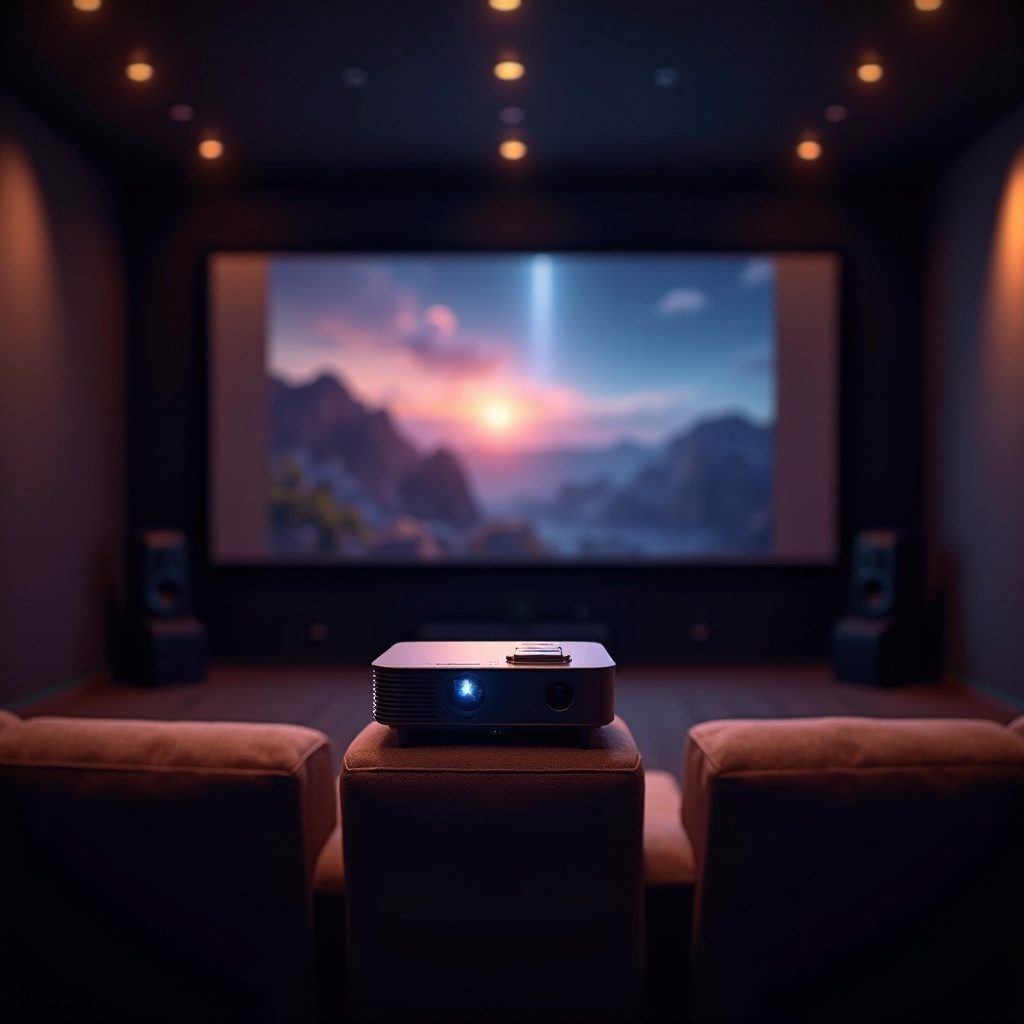
Selecting the right projector is the foundation of your home theater experience. With a range of options available, it’s crucial to choose one that suits your needs.
- Types of Projectors: Decide between Digital Light Processing (DLP), Liquid Crystal Display (LCD), and Liquid Crystal on Silicon (LCoS) projectors. DLP offers sharp imagery, LCD boasts vibrant colors, and LCoS provides high contrast ratios.
- Key Specifications to Consider: When choosing a projector, focus on resolution, brightness, and contrast ratio. A resolution of 1080p is standard, but 4K projectors offer a more future-proof solution, delivering stunning visuals. Ensure the brightness, measured in lumens, is suitable for your room lighting, and opt for a high contrast ratio for deeper blacks and brighter whites.
- Top Projector Recommendations for 2024: Consider models like the ‘Epson Home Cinema 5050UB’ or ‘Optoma UHD50X’, which offer excellent performance and value, catering to different budgets.
With your projector chosen, it is time to prepare your room to maximize the projector’s potential.
Preparing Your Room
The setup of your viewing room plays a pivotal role in the quality of your home theater experience. Creating an environment that complements your projector’s capabilities is vital for optimal performance.
- Optimal Room Conditions: Select a room with minimal ambient light, using neutral-colored walls to minimize reflections. While a dedicated theater room is ideal, any room can be adapted to enhance your viewing experience.
- Selecting the Right Screen: A dedicated projector screen is essential for achieving the best image quality. Choose a screen material and size tailored to your projector’s capabilities and room dimensions. A white matte screen is versatile and enhances color accuracy.
- Light Control Tips: Implement blackout curtains or blinds to minimize ambient light, which can wash out your projection. For daytime viewing, consider screens with higher gain to counteract ambient light.
With the room ready, you’re prepared to set up your projector for the ultimate viewing experience.
Setting Up Your Projector
Proper placement and setup of your projector are crucial for ensuring the best image quality and maximizing your investment.
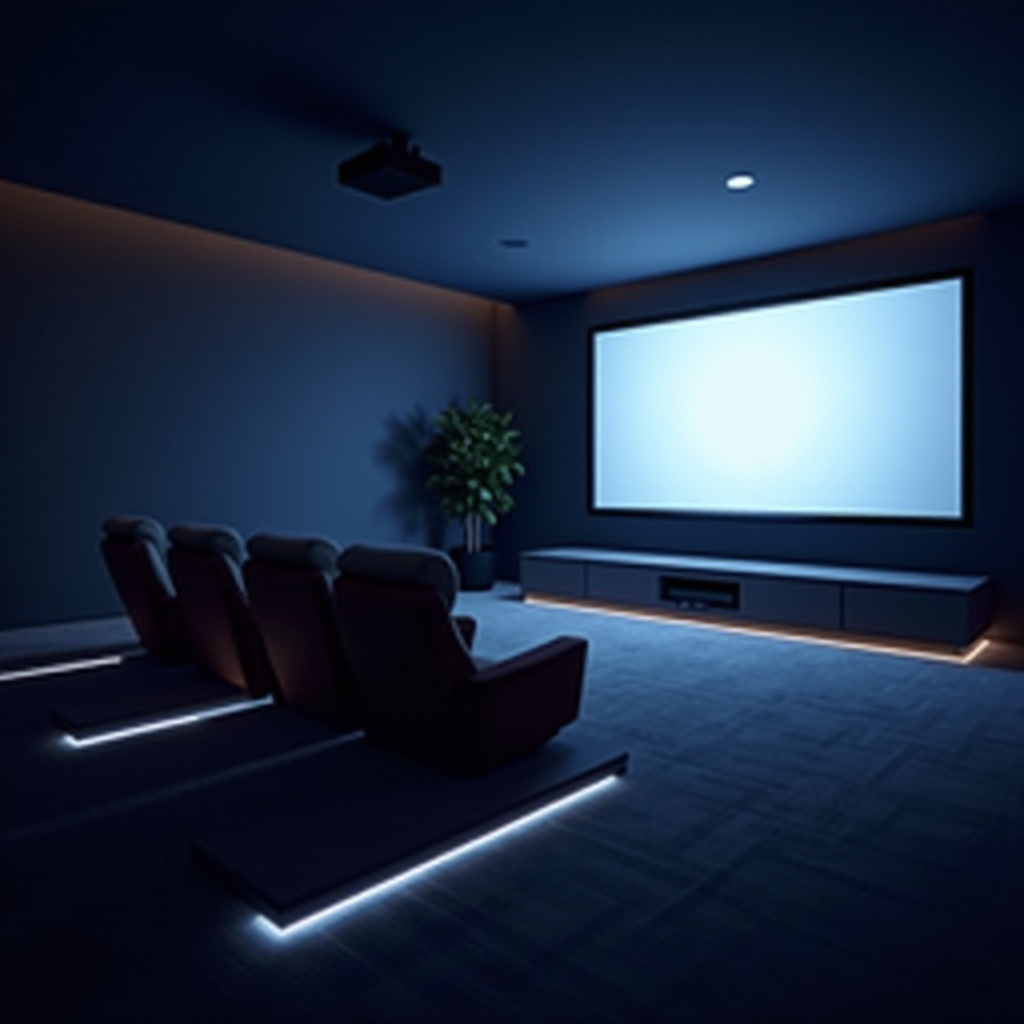
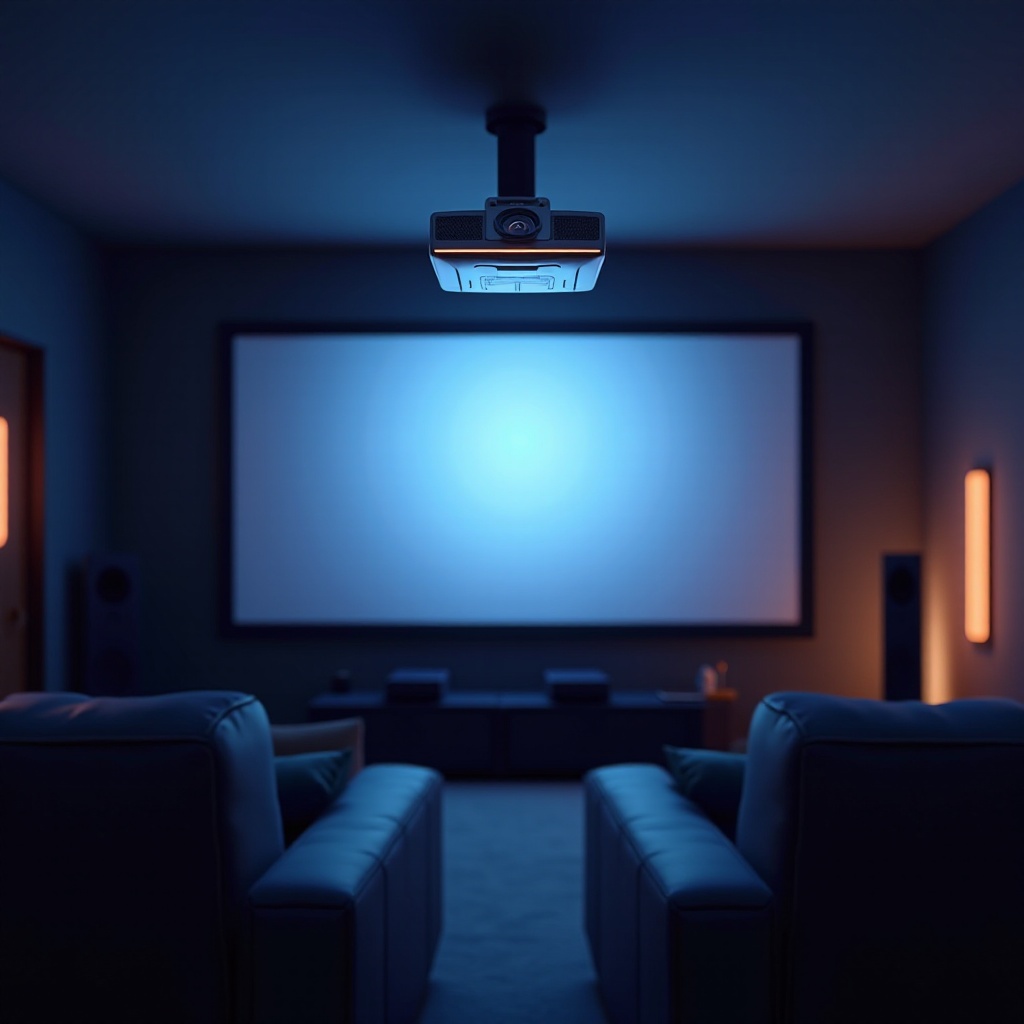
- Projector Placement Options: Choose between ceiling-mount and shelf placement. Ceiling mounts provide a clean setup and prevent obstruction, while shelf placement is flexible and easier for adjustments.
- Calculating Throw Distance: Calculate the throw distance, which is the space between the projector and the screen. Many projectors come with a throw calculator, helping you determine the optimal distance based on your screen size and room dimensions.
- Step-by-Step Setup Instructions:
- Install the projector on the ceiling or align it on a shelf.
- Adjust the distance to match your calculated throw distance.
- Align the projector lens with the screen center for optimal viewing.
After the projector is set up, connecting your equipment is the next step to complete your home theater.
Connecting Your Equipment
Establishing reliable connections between your projector and various audio and video sources is vital for enjoying all your favorite content seamlessly.
- Essential Cables and Adapters: Make use of HDMI cables for high-definition video and audio transmission. Ensure your projector and equipment support HDMI, and have adapters ready for devices lacking HDMI outputs.
- Connecting Audio and Video Sources: Most projectors connect to devices like Blu-ray players, gaming consoles, and streaming boxes via HDMI. Label cables and inputs for easy troubleshooting.
- Audio System Integration:
- Choose a suitable audio system, whether it be a soundbar or a comprehensive surround sound setup, to enhance your viewing experience.
- Confirm compatibility and position your audio equipment to match and complement the visual experience.
Once your projector connects to all necessary equipment, calibrating it will ensure an optimal viewing experience.
Calibrating for the Best Picture Quality
Calibrating your projector fine-tunes the visual output, ensuring vibrant colors and crisp images.
- Picture Settings Adjustment: Adjust settings such as brightness, contrast, color temperature, and sharpness to match your personal preferences and room conditions.
- Recommended Calibration Tools: Employ calibration discs or software tools to achieve professional-level adjustments and verify color accuracy.
- Avoiding Common Calibration Mistakes: Steer clear of over-saturating colors or cranking brightness too high, resulting in washed-out images. Calibrate under different lighting scenarios to ensure consistent image quality day or night.
Tuning your projector is a process that may involve minor errors, making troubleshooting skills essential.
Troubleshooting Common Setup Issues
Despite careful planning, technical issues might arise. Knowing how to tackle these can save time and maintain your home theater’s functionality.
- Image Distortion Solutions: If your projection is distorted, adjust the keystone correction. Ensure the projector lens is aligned with the screen’s center and correctly angled.
- Connectivity Problem Fixes: For connectivity issues, check HDMI connections for secure fit. Try different HDMI ports and replace cables if necessary.
- Managing Noise and Overheating: Regularly clean the projector’s air vents to prevent noise and overheating. Ensure there’s adequate ventilation around the projector.
With these steps, you’re equipped to enjoy an exceptional home theater experience, conquering challenges as they arise.
Frequently Asked Questions
What is the ideal room size for a home theater projector setup?
The ideal room size depends on your projector’s throw distance and screen size. Larger rooms often allow for bigger screens and a more immersive experience.
How often should I calibrate my projector?
Recalibrate your projector every few months, or when room conditions change significantly, to ensure optimal performance.
Can I use a regular wall as a screen for my projector?
While using a wall is feasible, a dedicated screen is preferable for better image quality. If using a wall, choose a smooth surface and consider projector-specific paint for enhanced results.