
Best TV Receiver: The Complete Buyer’s Guide to OTA Tuners, AV Receivers, and Converter Boxes
Introduction
Best TV receiver can mean three different things, and that is where most shoppers get stuck. You might want to receive free over-the-air channels with an antenna. You might need an audio/video receiver that switches HDMI sources and boosts TV sound. Or you could be looking for a digital converter box for an older or tunerless TV. This guide clears the fog so you choose the right box the first time.
We will show which features matter, how ATSC 3.0 changes the OTA landscape, and what to expect from HDMI 2.1 AV receivers for gaming and movies. You also get checklists, setup tips, and upgrade paths that fit most homes and budgets. By the end, you will know exactly which type of receiver fits your room, your TV, and your viewing habits. Next up, quick picks to help you spot the right category before we dive deeper.
Quick Picks: Best Overall, Budget, DVR, Gaming AVR, Apartment-Friendly
Best Overall TV Receiver (OTA)
Choose a reliable external OTA tuner or network tuner that pairs strong reception with a clean electronic program guide and painless channel scans. Favor models with broad format support, fast menus, and ongoing firmware updates.
Best Budget TV Receiver (OTA)
Pick a simple tuner with solid sensitivity and a clear EPG. You want quick scanning, a responsive remote, and a stable HDMI output. Skip extras to keep the price low and reliability high.
Best OTA DVR for Cord-Cutters
Look for dual or quad tuners, series recording, conflict management, and easy playback on TVs and mobile devices. Stable recording and clear apps matter more than flashy features.
Best Network Tuner for Whole-Home Streaming
A network tuner sends live OTA channels over Ethernet or Wi‑Fi to multiple screens. Prioritize low-latency streaming, robust apps on major platforms, and dependable multi-device support.
Best AV Receiver for Most Living Rooms
Select an AVR with HDMI 2.1 inputs, eARC, room correction, and enough clean power for your speakers. Ensure 4K/120 pass-through, HDR support, and cool, quiet operation.
Best Compact Setup for Apartments and Condos
Choose a small OTA tuner or slim AVR that runs cool and quiet, matches compact speakers, and handles simple wiring. Favor Wi‑Fi streaming and flexible room EQ at low volumes.
Quick picks point you to the right lane. Now let us define what we mean by TV receiver so you can lock in the correct category with confidence.
What We Mean by ‘TV Receiver’: OTA Tuners vs AV Receivers vs Converter Boxes
TV receiver spans three product types, each solving a different problem:
– OTA tuners: These receive free broadcast channels via an antenna. You plug the antenna into the tuner, then feed HDMI into your TV. Some include DVR. Network tuners stream those channels across your home network.
– AV receivers: These are the brains of a home theater. They switch HDMI sources, decode surround sound, power speakers, and pass video to your TV. They do not receive broadcast channels by themselves.
– Digital converter boxes: These turn antenna broadcasts into HDMI or analog outputs for older or tunerless TVs. They are simple, budget OTA tuners for sets that cannot decode digital signals.
Once you know your use case, choosing features gets easier. With that context, let us look at ATSC 3.0, the standard shaping today’s OTA reception and capabilities.
ATSC 3.0 vs ATSC 1.0: What’s New for Over-the-Air TV
Coverage and Rollout of NextGen TV
ATSC 3.0, also called NextGen TV, brings better compression, improved reception in tough conditions, and the potential for 4K broadcasts. Coverage varies by city and continues to expand. Many markets simulcast ATSC 1.0 and ATSC 3.0 so existing TVs and tuners still work. Check your local availability before buying new gear.
Picture, Audio, and Emergency Alerts
NextGen TV supports HDR, wide color, and advanced audio when broadcasters enable it. It also enhances emergency alerts with richer data. Picture quality can look cleaner thanks to improved encoding and error correction.
What ATSC 3.0 Means for Your Current Gear
Some ATSC 3.0 broadcasts use DRM that requires compatible tuners and apps. If you already get strong ATSC 1.0 OTA, you can hold for now. If you want future-proofing, consider an ATSC 3.0-capable tuner with active firmware support and clear DRM handling.
Understanding standards helps you avoid dead ends. Next, we translate that into practical feature checklists so you can shop smart.
Must-Have Features Checklist
For OTA Tuners: EPG, DVR, DRM Support
Look for:
1) Accurate EPG with at least 7–14 days of guide data.
2) Fast scans and rescans that keep custom channel lineups.
3) DVR options: pause live TV, series recording, and conflict resolution.
4) ATSC 3.0 support, including documented DRM compatibility.
5) App support on mobile and smart TV platforms.
For AV Receivers: HDMI 2.1, eARC, Room Correction
Check for:
1) Multiple HDMI 2.1 inputs with 4K/120, VRR, ALLM, and HDR pass-through.
2) eARC for lossless TV audio back to the AVR.
3) Room correction with a mic to balance speakers and bass.
4) Enough clean power for your room and speaker sensitivity.
5) Quiet cooling and a simple on-screen setup wizard.
For Converter Boxes: 1080p Upscaling, USB Recording
Value features:
1) 1080p upscaling and clean HDMI output.
2) Basic USB recording and timeshift.
3) Clear EPG and closed captions.
4) IR remote with easy navigation.
5) Secondary analog outputs if your TV or monitor needs them.
Connectivity: Wi‑Fi/Ethernet, Bluetooth, Voice Control
Nice-to-haves:
1) Ethernet for stable streaming and OTA DVR guide data.
2) Dual-band Wi‑Fi when Ethernet is not practical.
3) Bluetooth for headphones or quick music playback.
4) Voice assistants and mobile apps to simplify control.
With features in hand, you can evaluate real products. Let us start with OTA tuners and network options that bring free local TV to every screen in your home.
Best OTA TV Receivers and Network Tuners
Best Overall OTA Tuner for Most Viewers
For homes with strong to moderate signals, a straightforward external tuner with a snappy interface works best. You want reliable scans, a readable guide, and stable HDMI handshakes with modern TVs. Favor tuners with steady updates, responsive support, and simple remote layouts your family will understand.
Best Budget OTA TV Receiver
If you only need to watch live local channels, choose a basic tuner with good sensitivity, a dependable remote, and support for captions and SAP. Skip network features and DVR to save money. Confirm it plays nice with your TV’s inputs and that the remote codes do not clash with your soundbar.
Best OTA DVR with Timeshift and Series Recording
Recording makes cord-cutting easier. Pick a dual or quad tuner so you can record multiple shows while watching another. Prioritize stable recordings, clean conflict handling, and searchable guides. If you travel or watch on the go, confirm out-of-home streaming and data controls.
Best Network Tuner for Whole-Home and Mobile Viewing
A network tuner places the antenna near a window or attic and streams channels over your network to TVs, phones, and tablets. Look for strong app support on Roku, Fire TV, Apple TV, and mobile. Ethernet beats Wi‑Fi for reliability. Transcoding helps if phones or tablets need lower bitrates.
Best Portable/RV OTA Receiver
In RVs and temporary setups, speed and power draw matter. Choose a compact tuner with fast scans, a simple EPG, and optional 12V power. Pair it with a small directional antenna. A portable TV or lightweight monitor makes a flexible, budget-friendly travel kit.
Once you have live TV sorted, consider how you will switch sources and upgrade sound. That is where AV receivers deliver a big lift.
Best AV Receivers for TV Sound, Switching, and Gaming
Best Overall AV Receiver for Movies and TV
A balanced AVR should pass 4K HDR cleanly, decode Dolby Atmos and DTS:X, and provide eARC for TV apps. Ensure enough HDMI inputs for all your sources. Choose room correction that tames boomy bass and keeps dialog intelligible. Quiet fans and efficient cooling protect performance.
Best Budget AV Receiver Under $500
Budget AVRs can still deliver clean power and reliable HDMI switching. Focus on core features: eARC, at least one HDMI 2.1 input for a console, and auto-setup with a mic. Skip extra channels you will not use; a tuned 5.1 can outperform a sloppy 7.1.
Best AVR for Gaming (4K/120, VRR, ALLM)
Gamers should demand true 4K/120 with VRR and ALLM on multiple inputs. Confirm tested compatibility with current consoles and PCs. Low input lag, stable HDR pass-through, and a clear gaming preset keep sessions smooth and stutter-free.
Best Compact/Living-Room-Friendly AVR
Small rooms benefit from slim AVRs with efficient cooling and simple controls. Look for room correction that accounts for close seating and reflective walls. Auto-renaming HDMI inputs and clean on-screen menus reduce friction for family use.
Best Premium AVR for Enthusiasts
If you chase reference sound, premium AVRs add more channels, advanced room correction, better DACs, and robust power supplies. Seek pre-outs for external amps, multiple zones, and granular bass management. Stable firmware and deep control options make tweaking a pleasure.
If you own a tunerless or older TV, do not worry. A modest converter box can restore free local channels with minimal cost and setup.
Best Digital Converter Boxes for Older or Tunerless TVs
Best Overall Digital Converter Box
Choose a converter with clean HDMI output, reliable 1080p upscaling, and a readable EPG. Quick channel changes and clear captions improve daily use. A remote with direct number entry speeds tuning.
Best Under $50 Converter
When budgets are tight, keep it simple. Prioritize reception, a stable HDMI handshake, and basic EPG support. A front-panel display helps identify channels, and a learning remote can reduce clutter.
Best Converter with USB DVR and Timeshift
If you want basic recording, pick a converter that supports common USB drives and offers pause or rewind for live TV. Confirm scheduled recordings persist after power cycles. An on-screen timer and storage meter helps avoid missed shows.
Best Converter for RVs and Travel
Find a compact box with optional 12V power, fast scans, and a rugged shell. If you use older displays, ensure composite outputs are available. Short, flexible cables and right-angle adapters make tight installs easier.
Once you choose your gear, a clean setup unlocks performance. The next section gives step-by-step guidance to get reliable results on day one.
Setup and Installation: Antenna, Wiring, Calibration
OTA Tuner Setup: Antenna Placement and Channel Scan
1) Place the antenna high and near a window; avoid metal and thick walls.
2) Use a single, high-quality coax run to the tuner.
3) Run a channel scan and label or hide weak channels.
4) If signals are marginal, try a better antenna or a preamp near the antenna.
AV Receiver Setup: Speaker Layout and Room EQ
1) Position speakers at ear level for left and right, center the dialog, and set surrounds slightly above ear height.
2) Set speaker distances and levels with the included mic.
3) Enable eARC on both TV and AVR; use certified HDMI cables.
4) Save at least two EQ presets for day and night listening.
Converter Box Setup: HDMI/RCA Connections and Remotes
1) Connect the antenna to the converter; HDMI to the TV. Use RCA only if HDMI is not available.
2) Match output resolution to the TV or monitor.
3) Program the remote for TV power and volume.
4) Scan channels and sort favorites for fast access.
A careful install solves most issues before they start. If you still see glitches, the next tips tackle reception problems and signal cleanup.
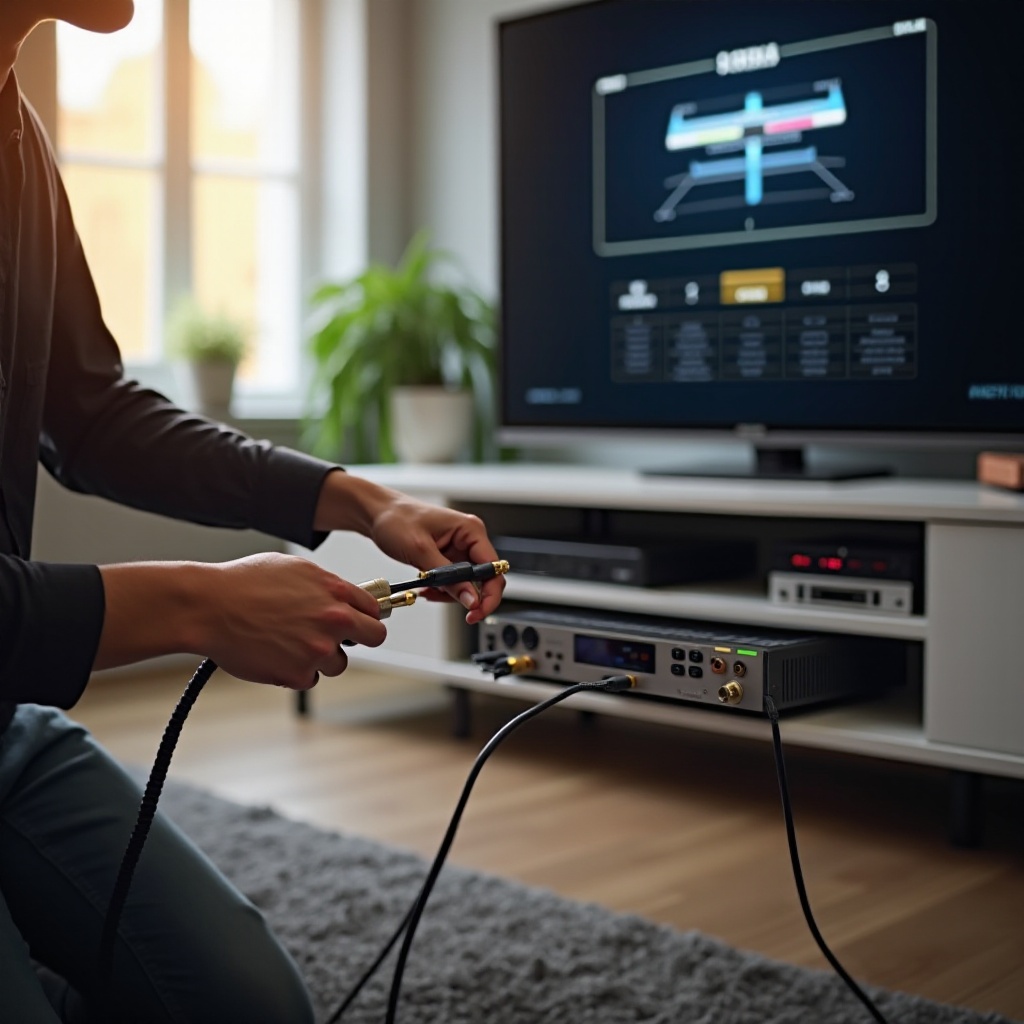
Reception and Performance Tips (Amplifiers, Filters, Interference)
Antenna Placement and Line-of-Sight Strategies
Repositioning often beats amplifying. Aim toward broadcast towers, elevate the antenna, and rotate to reduce reflections. Outdoor or attic antennas outperform small indoor models when signals are weak.
Managing Signal Strength: Preamps, Distribution Amps, Filters
- Use a mast-mounted preamp if your coax run is long or you split to multiple rooms.
- If signals are strong but unstable, remove amplification to avoid overload.
- LTE and FM filters can reduce interference that causes pixelation.
Troubleshooting Pixelation, Dropouts, and Lip-Sync
- Replace old coax, splitters, and connectors first.
- Check HDMI cable quality and reseat connections.
- On AVRs, adjust audio delay or lip-sync settings.
- Rescan channels after major weather or tower changes.
Strong reception and error-free switching set the stage. Now consider privacy, DRM, and device compatibility so your system stays reliable as standards evolve.
Privacy, DRM, and Compatibility Considerations (ATSC 3.0, eARC/HDCP)
NextGen TV DRM and Broadcaster Apps
Some ATSC 3.0 stations encrypt streams. Your tuner needs licensed DRM support and sometimes a companion app. Check the vendor’s support list for your city and broadcaster. Regular firmware updates improve compatibility, so buy from brands that update often.
HDMI/HDCP Handshake and Cable Quality
Handshake issues cause black screens and dropouts. Use certified Ultra High Speed HDMI cables for 4K/120. Power-cycle devices, match color formats, and disable unneeded processing if you see flicker or HDR mismatches.
Streaming Integration: AirPlay, Chromecast, DLNA
Network tuners and AVRs with casting support make multi-room viewing easy. If you rely on phones or tablets, confirm your platform and target apps are supported. Wired Ethernet reduces buffering and keeps quality high.
With the technical hurdles addressed, you can build a plan that fits your budget today and leaves room to grow tomorrow.
Budget Planning and Upgrade Paths
Good: Entry-Level OTA + Basic Sound
Pair a budget OTA tuner or converter with a small 2.0 or 2.1 speaker setup. You will get local news, sports, and clear dialog without overspending. Save for a future AVR if gaming or cinema sound are priorities.
Better: Network Tuner + Midrange AVR
Add a network tuner for whole-home live TV and a midrange AVR with eARC and room correction. This setup centralizes HDMI switching, upgrades sound, and supports multiple screens without cable boxes.
Best: OTA DVR + Premium AVR + Whole-Home Distribution
Power users combine a multi-tuner OTA DVR, a premium AVR with advanced room EQ, and Ethernet distribution to TVs and streamers. You get robust recording, reference audio, and reliable 4K HDR across the home.
You now have a clear path from entry-level to premium builds. Let us close with a short recap to help you make the final choice with confidence.
Conclusion
The best TV receiver depends on what you actually need. If you want free local channels, buy an OTA tuner or a network tuner and match it with the right antenna. If you want better sound and HDMI control, an AV receiver transforms movie night and gaming. If your TV lacks a tuner, a digital converter box brings broadcast TV back to life.
Focus on core features: ATSC 3.0 readiness and EPG for OTA, HDMI 2.1 and eARC for AVRs, and simple, reliable output for converters. Place your antenna well, use quality cables, and keep firmware up to date. Follow the setup steps, and you will enjoy sharp pictures, clear dialog, and smooth switching without overspending or overcomplicating your room.
Frequently Asked Questions
Do I need an external TV receiver if my TV has a built-in tuner?
If your TV includes an ATSC 1.0 tuner, you can connect an antenna and scan channels. An external tuner or DVR still helps if you want better guides, recording, multi-device streaming, or ATSC 3.0 support.
What’s the difference between an OTA TV receiver and an AV receiver?
An OTA TV receiver captures free broadcast channels via antenna and outputs to your TV. An AV receiver switches HDMI sources, decodes surround sound, and powers speakers; it does not receive broadcast TV by itself.
Is ATSC 3.0 worth it now, or should I wait to upgrade?
It depends on your city and priorities. If your area has active ATSC 3.0 you watch, a compatible tuner offers improved reliability and features. If ATSC 1.0 works well, you can wait as rollout and device support mature.