Apple Laptops with Number Pads: A Comprehensive Guide
Introduction
Apple enthusiasts often find themselves pondering the absence of built-in number pads in MacBooks, a feature valued by professionals for boosting productivity and efficiency. As users across various fields recognize the practicality of number pads for tasks like data entry, accounting, and finance, their curiosity grows. This guide delves into the nuances of this topic, exploring existing solutions and anticipating potential future developments from Apple, ensuring every angle is covered for those intrigued by the possibility of Apple laptops integrating number pads.
The Current State of Apple Laptop Keyboards
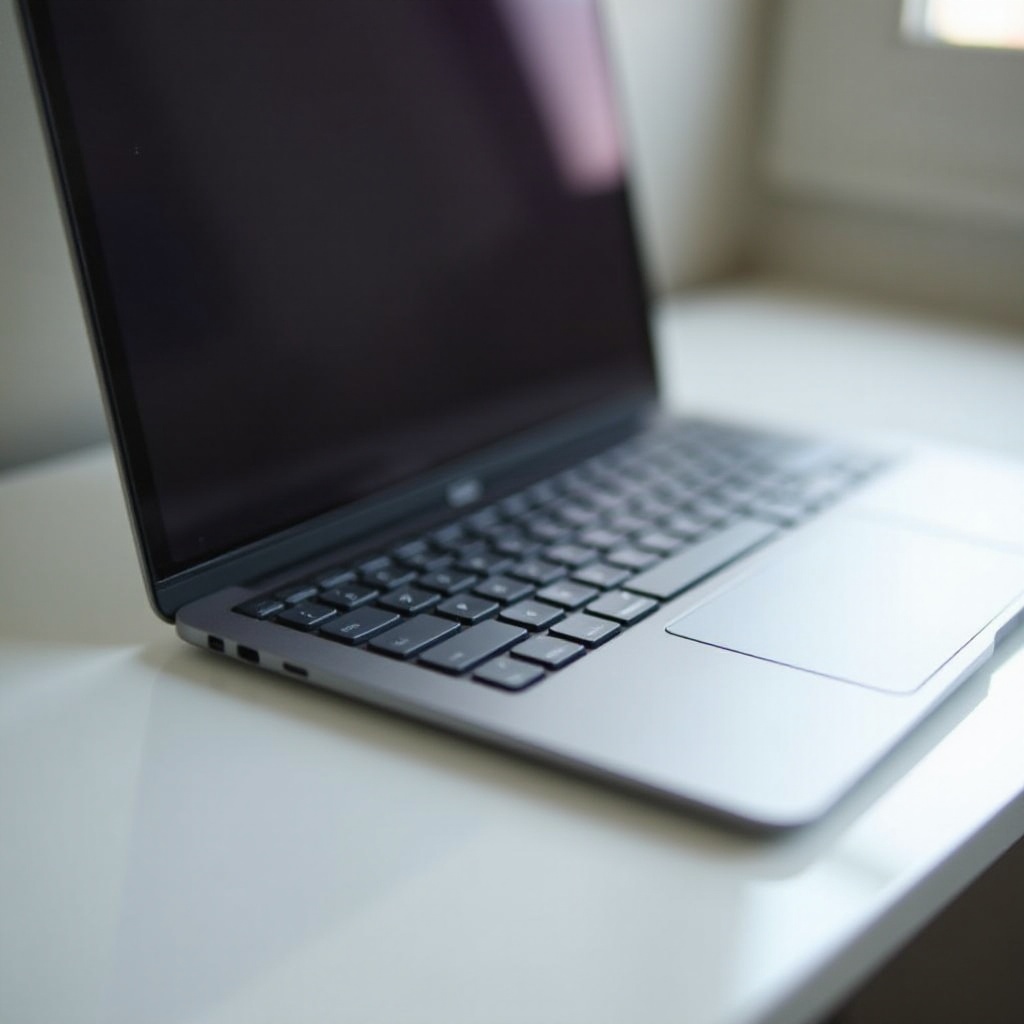
As of 2024, Apple’s MacBooks stand out for their minimalist design philosophy. Known for sleek aesthetics and powerful performance, these devices unfortunately lack built-in number pads. The current MacBook Pro and MacBook Air feature Apple’s acclaimed Magic Keyboard, providing excellent tactile feedback and improved stability, yet the absence of a number pad is a notable omission. The focus on portability and streamlined designs likely contributes to this decision.
The lack of number pads presents challenges for users who rely heavily on numerical input. While a clutter-free keyboard aligns with Apple’s brand image, the sacrificed functionality impacts a significant segment of their user base. This gap underscores the need for effective solutions and prompts an exploration into why there’s persistent demand for number pads.
The Demand for Number Pads
Number pads are crucial for professionals, notably in finance, data analysis, and engineering. Here are some reasons why they matter:
- Speed: Entering numbers with a dedicated pad is faster than using the top row of a keyboard.
- Ergonomics: Number pads reduce strain by allowing a more natural hand position during prolonged number entry tasks.
- Efficiency: Professionals engaged in numerical tasks see enhanced productivity with dedicated number pads.
The streamlined design of Apple’s laptops might appeal aesthetically, but the functional gap number pads fill is irreplaceable for certain workflows. Understanding this demand highlights the necessity for alternative solutions, whether through external devices or innovative software. These adaptations support user productivity without compromising Apple’s design ethos.
Workarounds and Solutions
Given the demand for number pads, various alternatives have emerged. Users have found ways to adapt while awaiting possible changes from Apple.
External Number Pads
External number pads offer a practical solution for those requiring dedicated numeric input methods:
- Compatibility: Easily connect via USB or Bluetooth.
- Portability: Lightweight and portable for on-the-go use alongside a MacBook.
- Variety: Choose from various styles and materials to suit individual preferences.
Software and Apps Solutions
Tech-savvy users can explore software options that provide virtual number pads:
- Remapping Keyboards: Apps like Karabiner allow key remapping to function as a number pad.
- Touchpad Integration: Software enabling the MacBook touchpad for number pad functionality.
User Hacks
Apple’s user community often employs creative solutions:
- Touch Bar Customization: On models with a Touch Bar, users can customize it to include a numeric keypad for quick access.
- Shortcut Software: Customizing shortcuts for quick number entry based on frequent tasks.
These solutions underscore a dynamic approach to addressing user needs while highlighting possibilities within Apple’s design framework. A look into Apple’s future prospects offers insight into potential developments that align with user demand and market trends.
Apple’s Future Prospects
With the ongoing debate about usability, future Apple designs may address these demands. Industry discussions suggest innovations like digitally integrated number pads on the trackpad, catering to user needs without compromising Apple’s hallmark design aesthetics.
Insights from Apple insiders and tech analysts point toward enhancing productivity without sacrificing the MacBook’s sleek form. These developments could open new avenues in Apple’s design strategy, blending usability within their minimalist approach.
Exploring these speculations gives us a clearer understanding of market trends and user demands, helping set the stage for potential advancements in Apple’s product line.

User Feedback and Market Trends
Listening to consumer feedback provides crucial insights into the broader market landscape:
- Reviews: Users frequently highlight the lack of a number pad as a hindrance for professional tasks involving extensive data entry.
- Surveys: There is significant interest in number pads among accounting, finance, and engineering professionals who prioritize functionality.
While current solutions cater to some extent, the need for a more integrated approach continues to echo across user communities. Market trends indicate a shift toward customizable and flexible computing solutions, which may influence Apple’s future designs to include this functionality.
Engaging with these dynamics guides our expectations and informs predictions for innovative features in Apple’s laptops. To summarize, understanding Apple’s potential direction involves acknowledging user expectations within their product ecosystem’s innovative reach.
Conclusion
Apple laptops consistently capture the market with their iconic designs and robust performance. Yet, integrating a number pad could significantly enhance appeal among professionals relying on streamlined numeric input. Current solutions provide some relief, though often at the cost of convenience and seamless integration. With potential for innovation, Apple might align new features with evolving market demands while preserving its signature aesthetic.
Frequently Asked Questions
Does Apple offer any laptops with built-in number pads?
As of 2024, Apple’s MacBooks do not include built-in number pads, instead focusing on streamlined, portable designs. Users often turn to external solutions to fulfill this need.
What are the best external number pads for MacBooks?
Top-rated external number pads include the Satechi USB-C Slim Aluminum Wireless Keypad and Lekvey Aluminum Bluetooth Keypad, known for seamless compatibility with MacBooks.
Will Apple eventually release laptops with built-in number pads?
While speculative, industry trends and user feedback suggest Apple might consider integrating number pad functionality in future designs, potentially through trackpad innovations.