Can You Watch TikTok Lives on TV? A Comprehensive Guide
Introduction
TikTok, known for its bite-sized content, has captivated audiences worldwide with its engaging live streams. Watching TikTok Lives on a larger screen, such as your television, takes the interactive experience to a new level. This guide provides insight into how you can stream TikTok Lives on TV, detailing the technology required and various methods available.

Why Watch TikTok Lives on TV?
Streaming TikTok Lives on a TV combines the thrill of live interaction with the comfort of the big screen. Understanding the reasons behind this preference highlights its growing popularity.
-
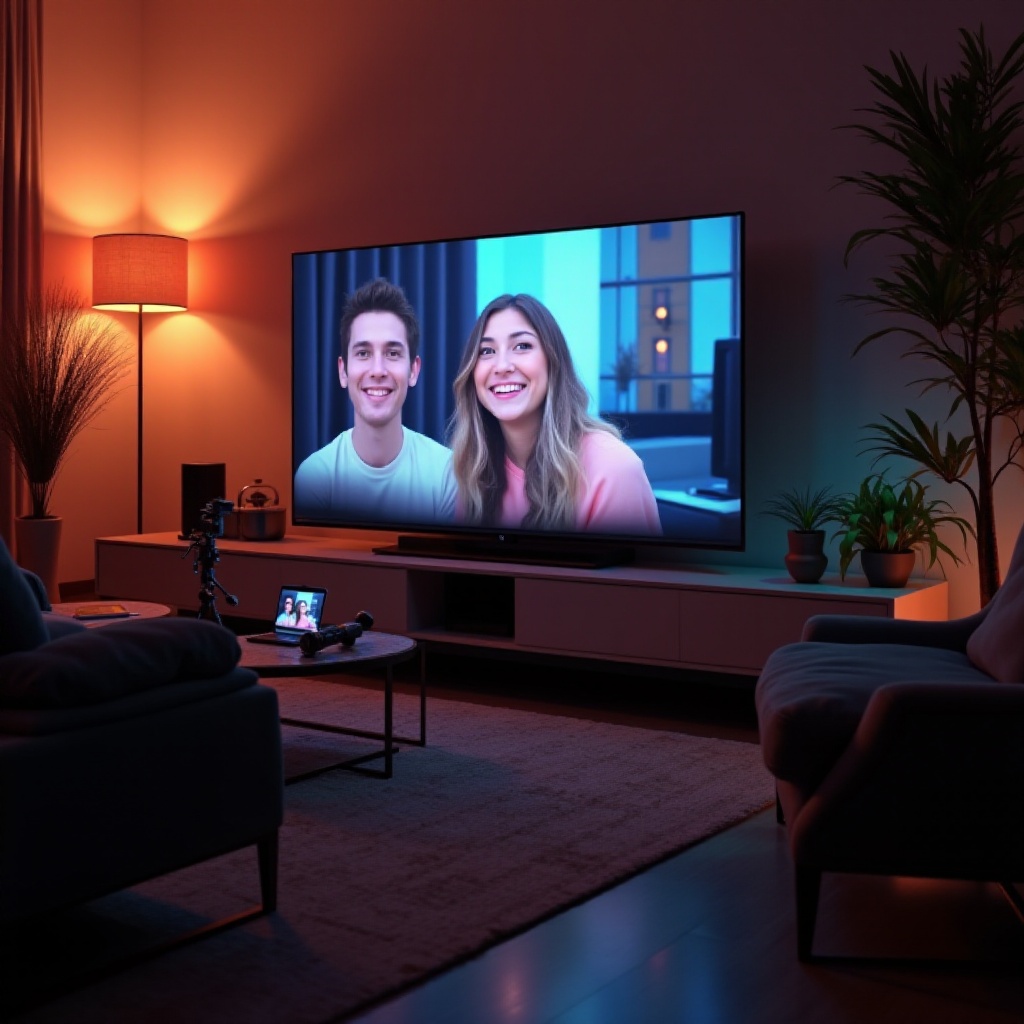
The Appeal of Big Screen Viewing: Watching on a TV offers superior visual and audio quality, allowing for a more immersive experience. It lets viewers comfortably enjoy details and participate in live interactions without needing to huddle over smaller devices.
-
TikTok Lives vs. Traditional TV Content: TikTok’s interactive nature sets it apart from traditional TV. While TV offers passive viewing, TikTok enables real-time engagement with content creators, offering a dynamic community experience.
With these benefits in mind, the next step involves preparing the appropriate technology and devices to facilitate this transition.

Required Technology and Equipment
Streaming TikTok Lives on TV necessitates specific tools and compatible devices:
-
Smart TVs and Compatibility: Most Smart TVs can directly cast or mirror devices, though some may require extra setup. It’s crucial to verify that your TV supports the needed apps or mirroring features for TikTok streaming.
-
Essential Streaming Devices and Accessories: If your TV isn’t natively compatible, devices like Chromecast, Roku, or Apple TV can provide seamless casting or mirroring capabilities from your smartphone to your TV.
Equipped with the right tools, you can shift focus to the methods of streaming TikTok Lives onto your television.
Methods to Stream TikTok Lives on TV
Here’s a look at different strategies for watching TikTok Lives on your TV:
- Using Screen Mirroring with Android and iOS:
- Connect both your phone and TV to the same Wi-Fi network.
- For iOS: Swipe up to access the Control Center, select ‘Screen Mirroring,’ and choose your TV.
-
For Android: Use features like Smart View or Google Cast. These are typically accessible in device settings, enabling effective mirroring.
-
Streaming via Chromecast, Roku, and Apple TV:
- Install and set up your streaming device with the TV.
- Launch the TikTok app and look for the cast icon while viewing a video.
-
Select your device for seamless video streaming.
-
Exploring Native TV Apps and Web Browsers: Some Smart TVs offer native applications or web browsing capabilities. While TikTok doesn’t have an app for all TV platforms, browsing directly through a supported TV browser allows access to TikTok content.
After setting up streaming, maintaining smooth operation involves addressing potential issues and enhancing quality.
Troubleshooting and Optimization Tips
Ensuring a flawless streaming experience often requires troubleshooting common issues and optimizing settings:
- Resolving Common Streaming Issues:
- Ensure all devices are on the same Wi-Fi network.
- Regularly update your apps and TV firmware to maintain compatibility.
-
Restart devices if streaming faces connectivity or performance issues.
-
Enhancing Audio and Video Quality:
- Adjust TV settings for optimal audio-visual output.
- Utilize external speakers to boost sound clarity.
- Consider ambient lighting to minimize glare during viewing.
Armed with these tools and strategies, you’re ready to enjoy TikTok Lives on the big screen at home, blending the entertaining elements of social media with traditional media viewing.
Conclusion
Watching TikTok Lives on your TV opens up a new dimension of viewing, merging the interactive excitement of the platform with the comfort of home entertainment. By following these methods and tips, you can elevate your TikTok experience, making it more enjoyable and accessible to a larger audience at home. Invite friends and family to join the experience, turning any TikTok session into a community event.
Frequently Asked Questions
Can I watch TikTok Lives on any Smart TV?
While many Smart TVs support this functionality, ensure compatibility with specific apps or attach streaming devices for seamless TikTok Lives access.
What if my TV doesn’t support screen mirroring?
Consider using external devices like Chromecast or Roku, which offer alternative methods for streaming TikTok Lives onto unsupported TVs.
Are there any dedicated TikTok apps for TVs?
Currently, TikTok apps for TVs are limited. However, users can utilize compatible browsers or streaming devices to access TikTok on larger screens.