Best SBC Computer: Your 2024 Guide to Choosing the Right Single-Board Computer
Introduction
Single-board computers (SBCs) provide compact, efficient solutions for countless tech applications. Whether you’re a hobbyist, educator, or professional, SBCs offer versatile and cost-effective platforms for development, projects, and learning. This guide explores what to consider when choosing an SBC and highlights the best options for 2024.
What to Look for in the Best SBC Computer
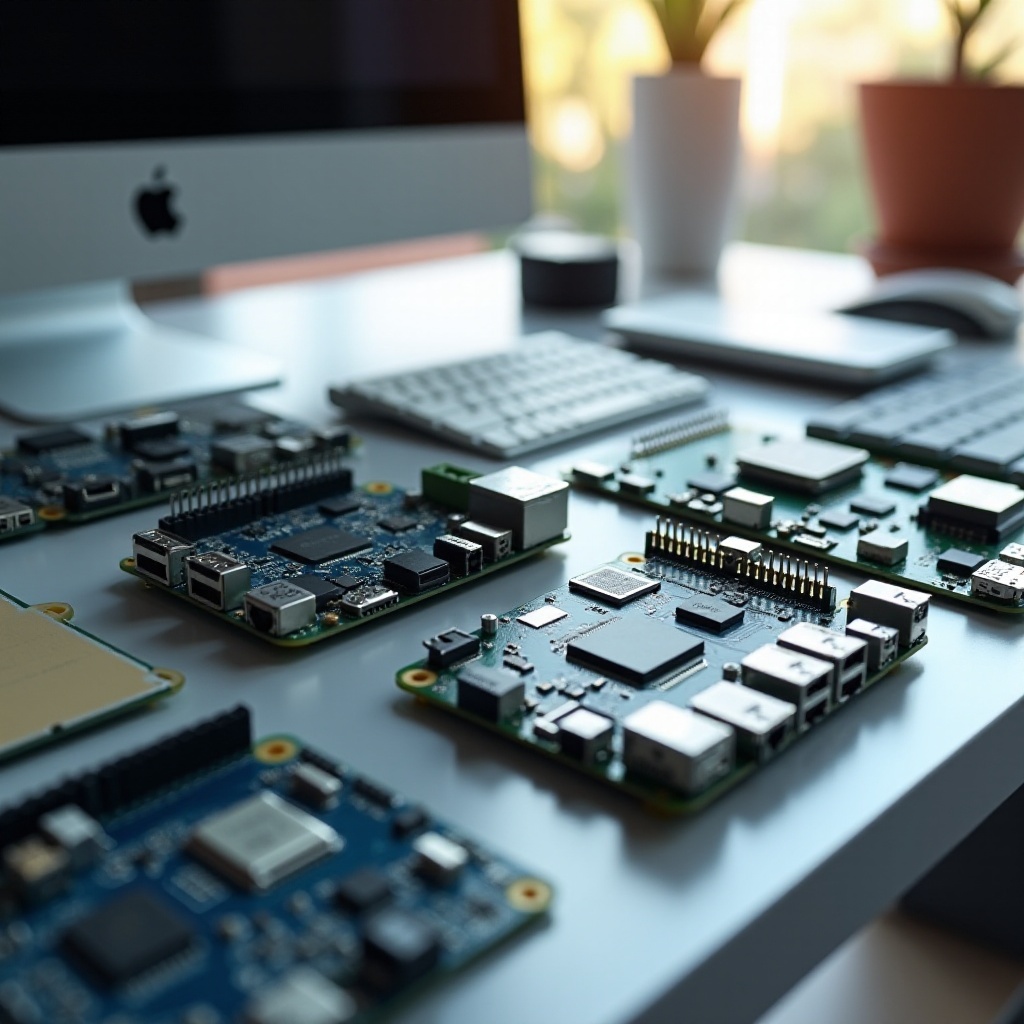
Choosing the right SBC involves evaluating key specifications and features:
-
Processing Power and CPU/GPU Capabilities: The CPU is the core of your SBC. If you need substantial computing power for complex tasks or graphics, prioritize SBCs with robust CPUs and integrated GPUs.
-
RAM, Storage, and Expandability: Adequate RAM ensures smooth multitasking and sufficient storage caters to extensive data handling. Look for expandable storage to meet your future needs.
-
Connectivity Options: Depending on your use case, USB ports, HDMI outputs, and wireless connectivity options like Wi-Fi and Bluetooth are essential.
-
Cost and Budget Considerations: SBCs range from budget-friendly to high-performance models. Define your budget but be open if specific features align with your project needs.
Understanding these factors is crucial as they guide you to the most suitable options available in 2024.
Top 7 Best SBC Computers of 2024
Deciding on the best SBCs involves narrowing down top contenders:
-
Raspberry Pi 4 Model B: Renowned for its versatility and strong community support, it offers balanced performance suitable for multiple applications.
-
ASUS Tinker Board 2: Targets power users with improved processing abilities, perfect for multimedia and high-performance tasks.
-
Odroid N2+: Known for combining affordability and power, it’s a solid choice for users who need decent computing within a budget.
-
NVIDIA Jetson Orin Nano: Popular among AI enthusiasts, it delivers exceptional support for AI applications and machine learning.
-
BeagleBone AI-64: Ideal for professionals, offering advanced processing with ample expandability for various applications.
-
LattePanda 3 Delta: A great choice for those needing Windows compatibility; compact yet capable of running Windows OS efficiently.
-
Pine64 Quartz64 Model-A: Balances performance and price, suitable for various single-board applications.
These SBCs cater to different needs, from affordable exploration to professional-grade computing, ensuring a perfect match for diverse requirements in 2024.
Comparing the Best SBC Computers
It’s vital to compare SBCs based on pivotal aspects:
-
Performance Benchmarks and Use Cases: Assess CPU and GPU performance in real-world scenarios to determine which SBCs offer the necessary power for specific tasks.
-
Energy Efficiency and Thermal Management: Energy-efficient SBCs not only reduce power costs but often boast better thermal management, impacting reliability and longevity.
-
Available Support and Community Resources: Community support significantly aids troubleshooting and idea generation. Opt for SBCs with active forums and extensive tutorials.
Through these comparisons, select the SBC that offers an optimal balance of performance, sustainability, and community engagement for your projects.
Use Cases for SBC Computers in 2024
In 2024, SBCs have broadened their application spectrum:
-
Home Automation and IoT: Utilize SBCs to control lighting, temperatures, and security systems at home.
-
Educational Projects and STEM: Integrate SBCs into classrooms for coding, robotics, and electronics learning.
-
Media Centers and Streaming Devices: Convert TVs into smart entertainment hubs with SBCs designed for high-resolution streaming.
-
Robotics and AI Applications: Leverage SBCs in robotics for handling complex algorithms, controlling sensors, and supporting machine learning.
The versatility of SBCs supports a range of projects from creative endeavors to complex professional tasks.
Conclusion
In summary, selecting the best SBC computer hinges on understanding your processing needs, budget, and specific application. We explored top 2024 options to help you make an informed decision. Choose wisely and engage in the innovative world of single-board computing.
Frequently Asked Questions
What is an SBC computer used for?
SBCs are versatile and used in diverse applications including IoT, home automation, education, media streaming, and complex tasks like AI and robotics.
Can SBC computers run Windows or Linux?
Many SBCs run both Windows and Linux, depending on the hardware specifications and model.
How do I choose the best SBC computer for my project?
Identify your needs including processing power, storage, and budget, then use online resources and community forums to match these with the best SBC available.