Top Raspberry Pi Game Controllers for 2024
Introduction
Choosing the right game controller can transform your Raspberry Pi into a powerful gaming hub. With a diverse range of titles available, the right controller is key to comfort and precision during gameplay. This guide helps you navigate the top controller choices for your Raspberry Pi setup, offering insights into compatibility and performance.
Key Considerations for Game Controllers
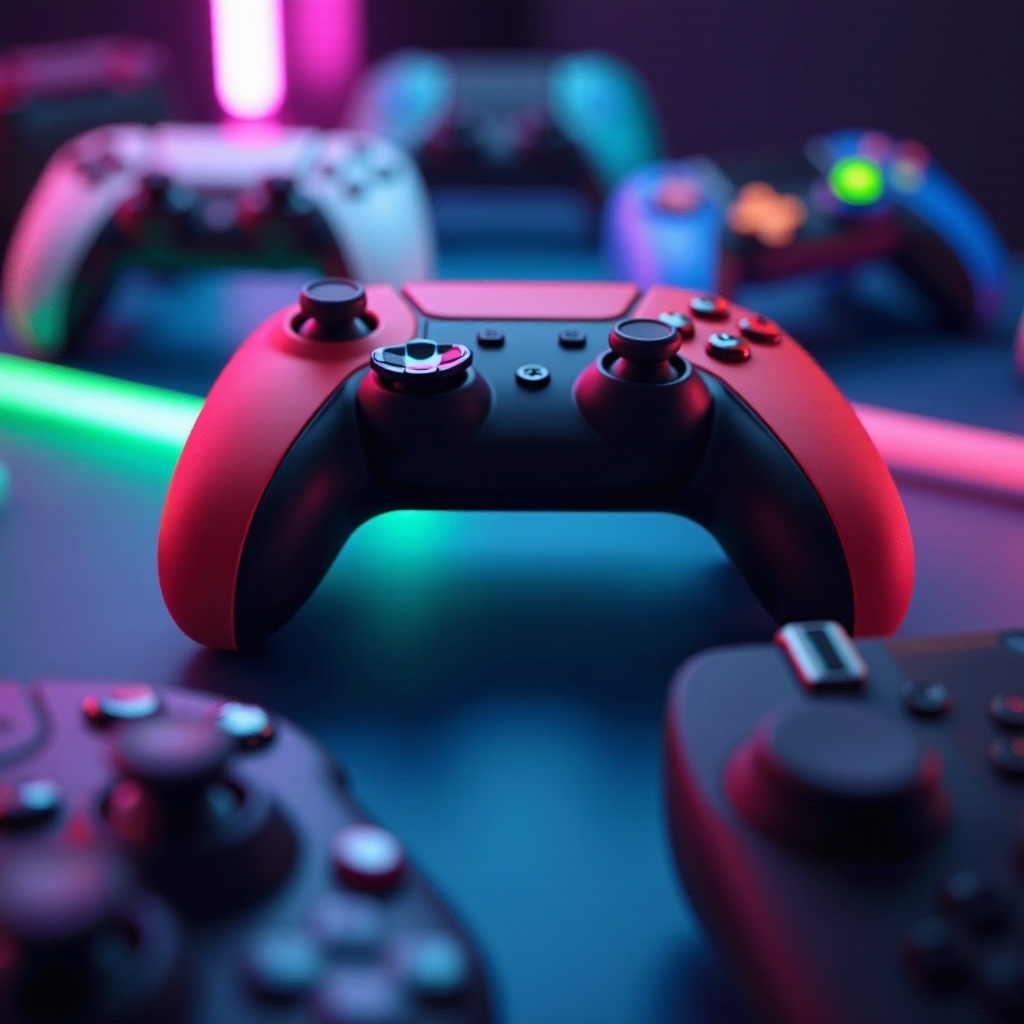
Selecting the right game controller involves evaluating various essential factors. Understanding these considerations ensures you choose a device that aligns with your gaming and ergonomic preferences.
Compatibility with Raspberry Pi
Ensuring compatibility is crucial when choosing a controller for Raspberry Pi. Many modern controllers from brands like Xbox and PlayStation are compatible, but check availability of drivers and ensure connections can be established smoothly using Bluetooth or USB.
Ergonomics and Design
A controller’s design significantly impacts gaming comfort. Opt for models that fit your hands well, providing easy access to buttons. Comfort during long gaming sessions is vital; look for models offering a good grip and responsive controls.
Wired and Wireless Choices
Your gaming space and style influence whether to choose wired or wireless controllers. Wired controllers eliminate charging issues and provide stable connections, while wireless controllers offer greater flexibility and freedom of movement.
Transitioning from selecting the ideal controller, let’s focus on top picks that excel in both functionality and user experience.
Top Game Controllers for Raspberry Pi
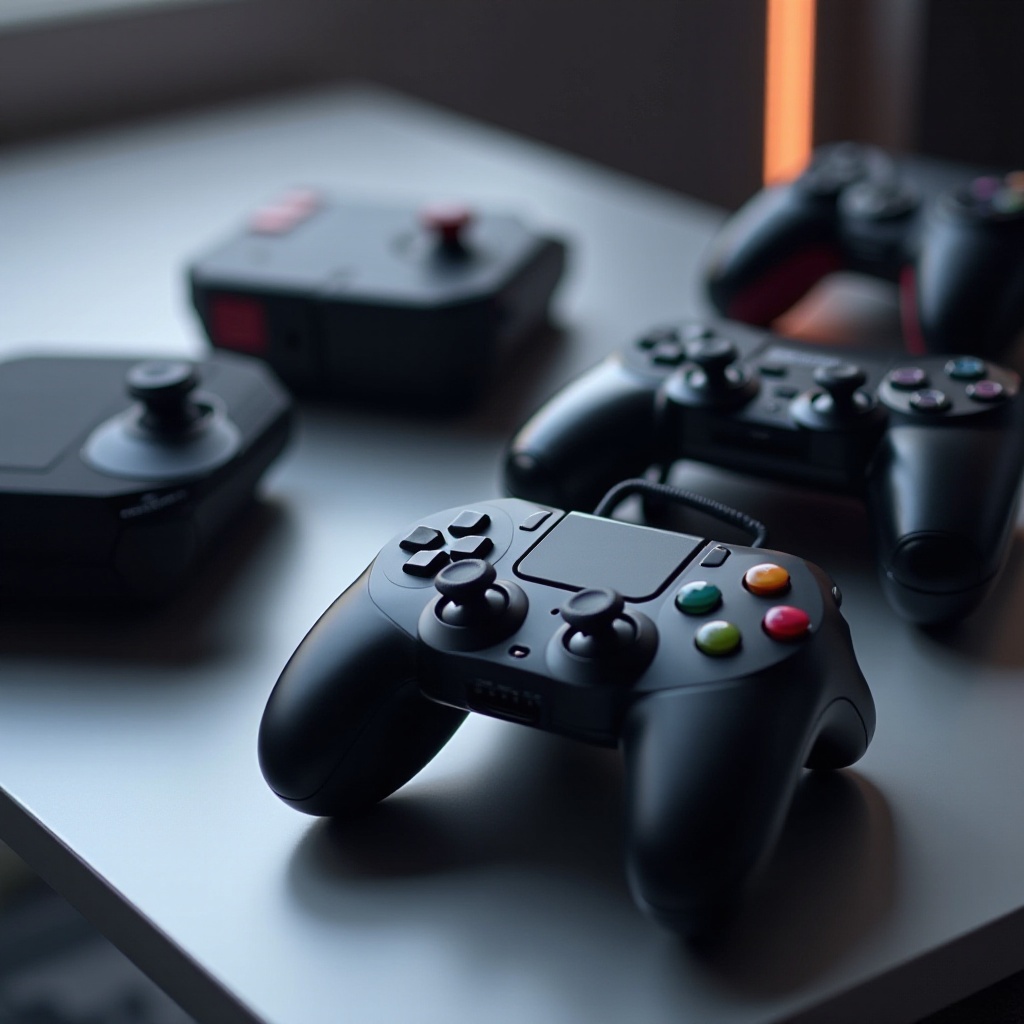
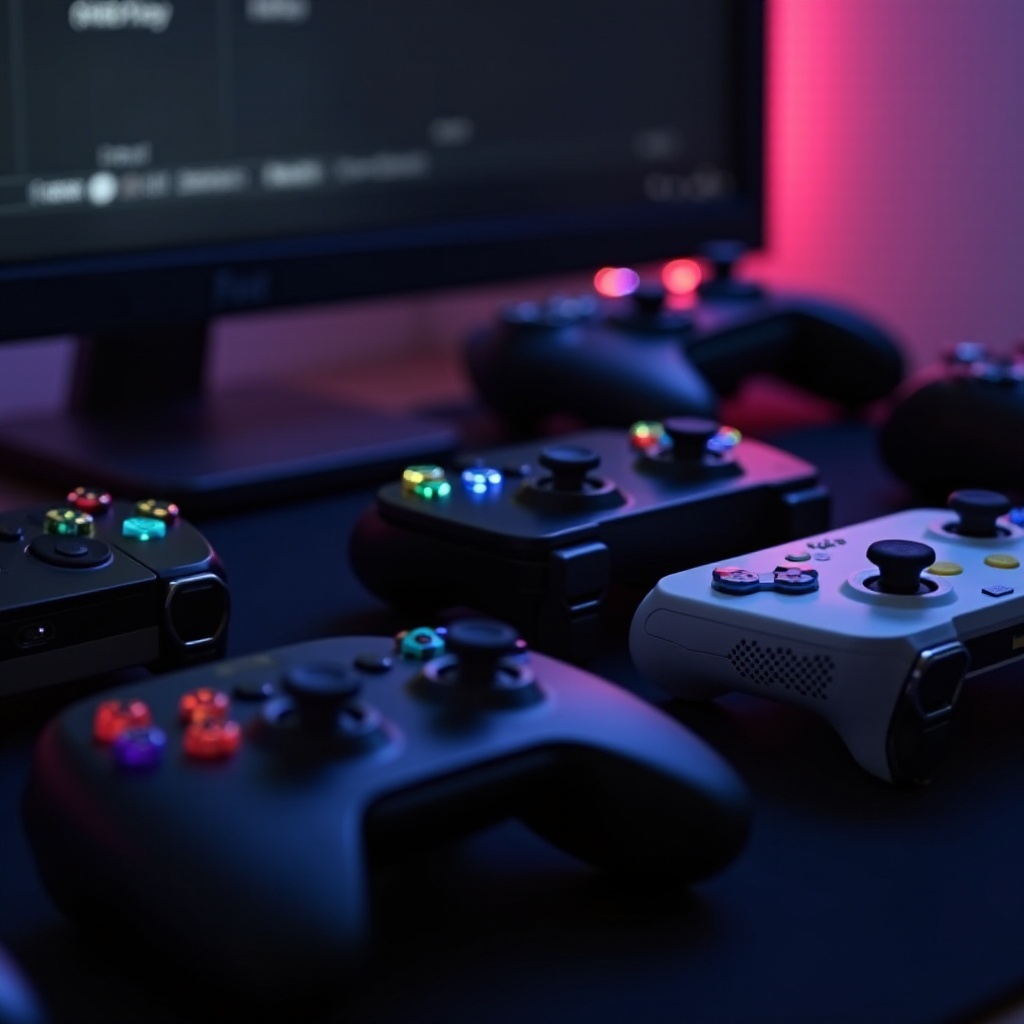
Here are the standout game controllers for Raspberry Pi in 2024, known for their blend of functionality, comfort, and style.
8Bitdo SN30 Pro+
The 8Bitdo SN30 Pro+ is preferred by Raspberry Pi users for blending retro style with modern capabilities. Its features include customizable buttons and analog sticks. With Bluetooth connectivity and strong battery life, it’s a versatile choice.
Xbox Wireless Controller
Famous for its ergonomics and durability, the Xbox Wireless Controller connects seamlessly, particularly with Windows 10 IoT Core. Its responsive triggers and precision D-pad are ideal for both retro and modern games.
Logitech F310
For those seeking budget-friendly options, the Logitech F310 offers a reliable wired interface. Its plug-and-play nature, familiar design, and durability make it a reliable choice for various gaming styles.
After selecting the best controller, let’s delve into setting it up on your Raspberry Pi.
Setting Up Your Game Controller on Raspberry Pi
Once you’ve chosen the controller, connect it to your Raspberry Pi. The steps slightly vary for wired and wireless models.
Connecting via Bluetooth
- Ensure your Raspberry Pi is Bluetooth-enabled.
- Switch on your controller and set it to pairing mode.
- Open Bluetooth settings on Raspberry Pi.
- Look for and pair with your controller from available devices.
- Follow any prompts to complete pairing.
USB Setup Guide
- Connect your wired controller to a USB port on the Raspberry Pi.
- The system should automatically detect it.
- Use RetroPie or other platforms to map buttons if required.
Following setup, some adjustments can enhance your gaming experience further.
Tips to Enhance Your Gaming Experience
Fine-tuning your setup can improve performance and enjoyment. Here are some tips to optimize your time with Raspberry Pi gaming.
Software Essentials
- Install RetroPie or compatible emulators for your Raspberry Pi.
- Keep software and drivers updated for optimal performance.
Troubleshooting Tips
- Restart both the Raspberry Pi and controller if connectivity issues arise.
- Ensure firmware is up-to-date to avoid compatibility issues.
- Check battery levels in wireless models for uninterrupted gameplay.
Having optimized your Raspberry Pi setup, you’ll now enjoy seamless gaming with precision and comfort.
Conclusion
Choosing the right game controller for Raspberry Pi significantly enhances your gaming experience. The ideal controller offers smooth gameplay and high comfort, ultimately improving the enjoyment of your favorite games.
Frequently Asked Questions
Can I use any game controller with Raspberry Pi?
While many controllers are compatible, verify compatibility and driver availability before purchasing.
What is the best wireless controller for Raspberry Pi?
The Xbox Wireless Controller and 8Bitdo SN30 Pro+ are top recommendations for wireless performance.
How do I fix connectivity issues with my Raspberry Pi game controller?
Fix issues by updating firmware, ensuring the controller is charged, and checking Raspberry Pi settings.