
Understanding Laptop Screen Black Spots
Introduction
The presence of black spots on a laptop screen is a common annoyance that can disrupt day-to-day use, impacting both productivity and entertainment. Whether you’re streaming a film or working on a presentation, black blemishes can distract and impede visual clarity. Understanding what causes these dark spots is crucial in identifying the right solution for maintaining your laptop’s utility and aesthetic appeal. Given that these spots may arise from manufacturing issues or accidental damage, knowing how to handle them ensures your device remains reliable and extends its usability. This guide delves into typical causes, diagnostic methods, DIY repair strategies, preventative actions, and when to seek expert services.

Defining Black Spots on Laptop Screens
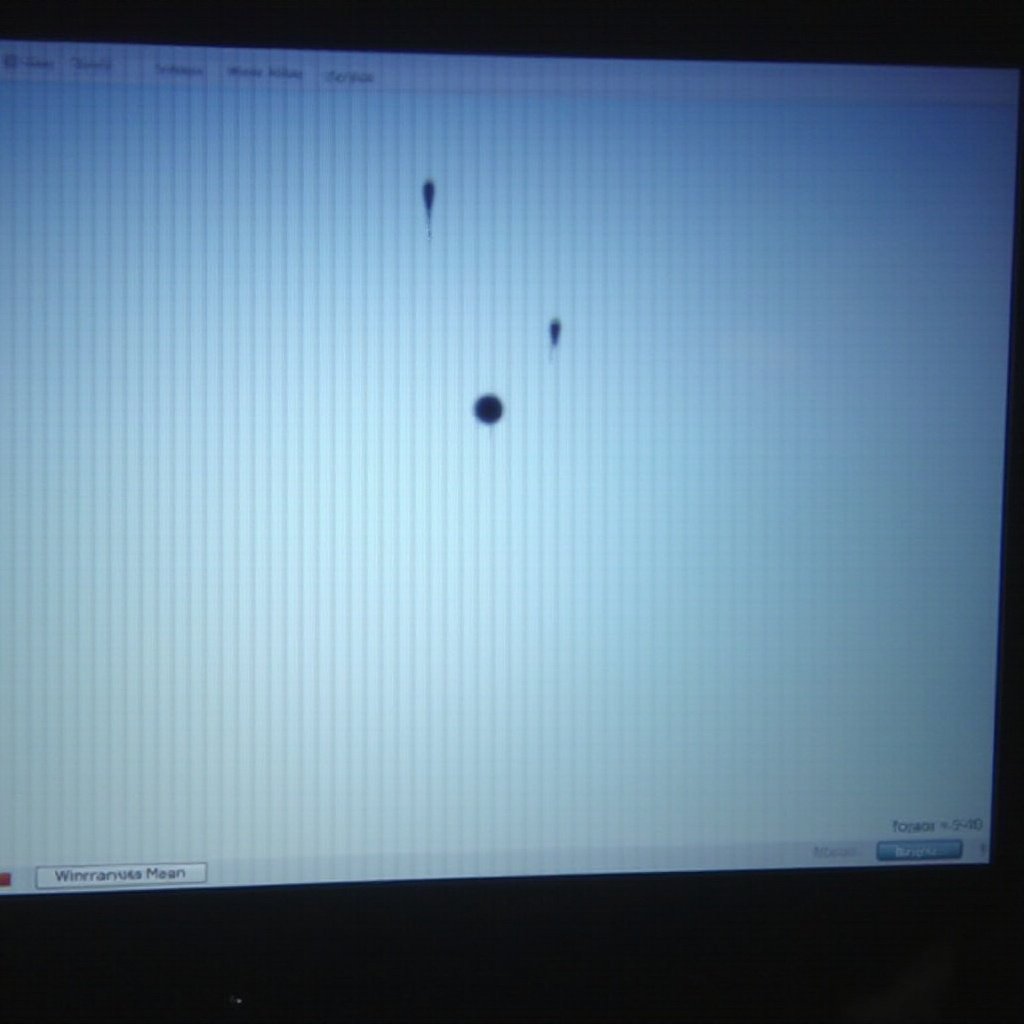
Black spots are often irregular discolorations that appear on laptop displays. These imperfections can range in size and darkness, potentially fluctuating slightly over time. Understanding their nature is vital for determining whether they require intervention or maintenance.
Such spots can obscure on-screen content and affect multimedia experiences. By identifying whether these marks are permanent or temporary, users can decide if they need to engage technical support or invest in maintenance. Whether represented as tiny specs or larger patches, uncovering the cause can lead to the appropriate solution, restoring your screen’s clarity and reviving your laptop experience.
Root Causes of Black Spots on Screens
Dead Pixels
Dead pixels form when pixel elements responsible for color display malfunction, usually presenting as small black dots. Every pixel consists of three colored subpixels: red, green, and blue. A dead pixel can arise from a manufacturing defect or significant physical damage, and is generally considered permanent once visible.
Stuck Pixels
Stuck pixels differ as they often appear active in one color. This pixel disturbance arises from electrical inconsistencies and can manifest as various colors depending on surrounding content, including black. Sometimes, stuck pixels resolve spontaneously or through specific methods.
Physical Damage
Physical trauma is another prevalent cause of black spots on screens. Dropping your laptop or applying pressure can harm the internal screen layers, leading to these spots. Even minor impacts can result in noticeable internal damage.
Grasping these origins aids in selecting a tailored approach to handle the blemishes, guiding you to choose between simple fixes or professional service.
Steps to Diagnose Black Spots
Accurate diagnosis of black spots requires careful examination:
- Spotting Dead Pixels: Cycle through solid color backgrounds. A dead pixel will stay unlit.
- Detecting Stuck Pixels: Utilize software to rapidly change screen colors, helping spot behavioral changes in pixels.
- Checking for Physical Impact: Examine for screen fractures or pressure marks which might correlate with black spots.
A thorough assessment empowers you to decide on a course of action, whether self-corrective or professional.
DIY Solutions for Tackling Black Spots
Once determining the cause, look into these potential DIY remedies:
Cleaning the Display
- Turn off and unplug your laptop.
- Wipe the screen lightly with a microfiber cloth to remove dust, possibly unveiling superficial optical issues.
Using Pixel Repair Tools
Software solutions exist to manage stuck pixels, such as:
- JScreenFix: An online tool that cycles through colors to unstick pixels within minutes.
- PixelHealer: Targets pixel issues with customizable settings.
Gentle Massage Techniques
- Power down your device.
- Implement light, circular pressure with a soft cloth on the spot.
- Restart and check the screen.
These approaches can effectively alter pixels or reduce the appearance of marks for many users.
When Professional Repair Is Necessary
In instances where DIY methods don’t suffice, or worsening occurs, seek professional help.
- If spots enlarge in size.
- Visible physical damage exists.
- Persistent problems after home remedies.
Professionals have specialized tools and expertise for more thorough screen repairs or replacement if needed.
Tips to Prevent Black Spots
Forestall black spot emergence through mindful care:
Laptop Handling
- Avoid pressing the screen forcefully.
- Clean regularly and handle cautiously, especially in transit.
Screen Protector Use
- Apply protectors to mitigate impacts and scratches.
- Opt for those preserving visual clarity.
Environmental Considerations
- Maintain optimal operation temperatures.
- Keep liquids and harsh materials at bay.
Adopting these habits protects against screen damage and reduces the risk of black spots.

Conclusion
Encountering black spots on a laptop screen, though frustrating, is often manageable through a combination of specific methods and preventive care. Early detection can lessen future expenses on repairs. By comprehending screen damage causes and engaging fitting solutions or preventative habits, you can extend the device’s lifespan and improve user satisfaction.
Frequently Asked Questions
Can black spots on a laptop screen go away on their own?
Stuck pixels might resolve by themselves, but dead pixels and physical damage typically need repairs.
Are black spots covered under warranty?
It’s dependent on the warranty policy. Many manufacturers consider dead pixels a defect, so coverage varies.
How much does it typically cost to fix black spots on a laptop screen?
Costs vary, starting at about $50 for minor fixes or pixel adjustments, with full replacements costing $200+ based on the model.