Best Door and Window Sensors (2026): Top Picks, Protocols, and Smart Home Automations
Introduction
Door and window sensors are the quiet workhorses of a smart home. They secure entry points, cut energy waste, and trigger lights and alarms at the exact moment you need them. The best options pair fast, fire events without delay, and keep working for years on a single battery. They install cleanly with adhesive or screws and fit your platform without hacks or add ons.
This guide helps you choose with confidence. You will see scenario based picks, learn how sensors work, and understand protocols like Matter, Thread, Zigbee, Z Wave, Wi Fi, and Bluetooth. We will cover placement, range, privacy, and security. You will also get practical automations and testing criteria, plus advice for Apple Home, Amazon Alexa, Google Home, and SmartThings users. By the end, you will have a plan to install, automate, and maintain sensors that improve comfort, safety, and peace of mind every day.
Quick Recommendations by Scenario
Best Overall: Balance of Reliability, Battery Life, and Ecosystem Fit
Choose a compact contact sensor that supports Matter over Thread, pairs in seconds, and stays online. Look for long battery life, wide magnet tolerance, and strong vendor support.
Best Budget: Affordable, Easy to Install, Minimal False Alerts
Pick a simple Zigbee or Wi Fi model with reliable gap detection and good adhesive. Ensure the app delivers timely push alerts and exposes battery level.
Best Matter/Thread: Seamless Multi Admin and Low Latency Performance
Select a Matter certified Thread sensor with robust firmware updates and multi admin. Place at least one Thread border router near entry points for instant triggers.
Best for Apple Home (HomeKit): Privacy First, Local Control
Use a Matter or native HomeKit sensor with local automations. Confirm it exposes contact, battery, and tamper in the Home app and supports secure pairing.
Best for Amazon Alexa: Routine Friendly and Widely Compatible
Pick sensors recognized as contact devices in Alexa Routines. If you use Echo devices with hub or router roles, verify coverage on doors far from the router.
Best for Google Home: Script Editor Friendly, Simple Automations
Choose sensors that appear as triggers in the Script Editor. Build time and presence conditions, and send alerts to Nest displays or phones.
Best for SmartThings: Zigbee Z Wave Strength and Local Processing
Go with Zigbee or Z Wave sensors using Edge drivers for local execution. Add powered repeaters for a stable mesh in larger homes and multi level spaces.
Best for Renters: No Drill, Adhesive Mounts, Hub Free Options
Select Wi Fi or Bluetooth models with strong adhesive and clean removal. Favor sensors that do not need a hub, show clear low battery alerts, and move easily.
Best for Outdoor/Garage: Weather Resistant and Long Range
Use sensors with weather resistance or mount inside the frame. Favor extended magnet gaps and strong signal reach for garages and gates.
With fast picks in hand, it helps to understand the simple mechanism behind every contact sensor before you decide on protocols and platforms.
How Door and Window Sensors Work
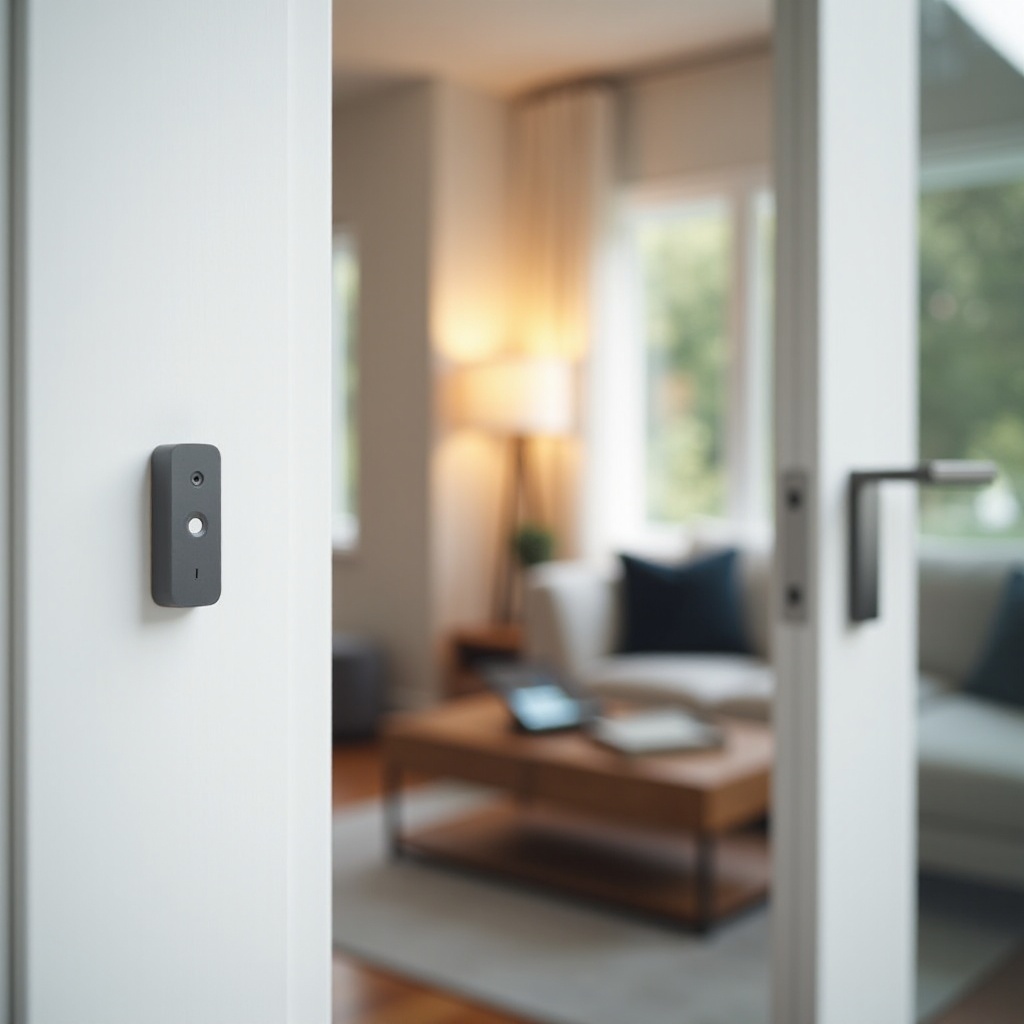
A contact sensor has two parts: a sensor body and a magnet. When the door or window opens, the magnet moves away from the reed switch in the sensor. That change flips the contact state from closed to open. The sensor then sends an event through your network to your hub, border router, or platform.
Most models sleep to conserve power and wake instantly on state changes. Mesh protocols like Thread, Zigbee, and Z Wave relay signals through nearby devices to extend range. Wi Fi and Bluetooth connect directly, which can affect battery life and reach. Knowing how the signal travels will guide your protocol choice and where you place repeaters and routers. With the basics covered, let us pick the right protocol and platform so you avoid re buying later.
Buying Guide: Protocols and Ecosystem Compatibility
Matter and Thread: What You Need (Border Routers, Multi Admin)
Matter over Thread delivers low latency and local control. You need at least one Thread border router, often built into popular smart speakers or hubs. Matter also supports multi admin, so one sensor can live in Apple Home, Google Home, and Alexa at the same time.
Zigbee vs Z Wave: Mesh Strength, Range, and Hub Needs
Both require a hub and reward you with stable mesh networks. Zigbee offers broad device choice and lower cost. Z Wave often reaches farther through walls. Use powered devices as repeaters and stick to one mesh per area to reduce interference.
Wi Fi and Bluetooth: Hub Free Simplicity vs Battery Tradeoffs
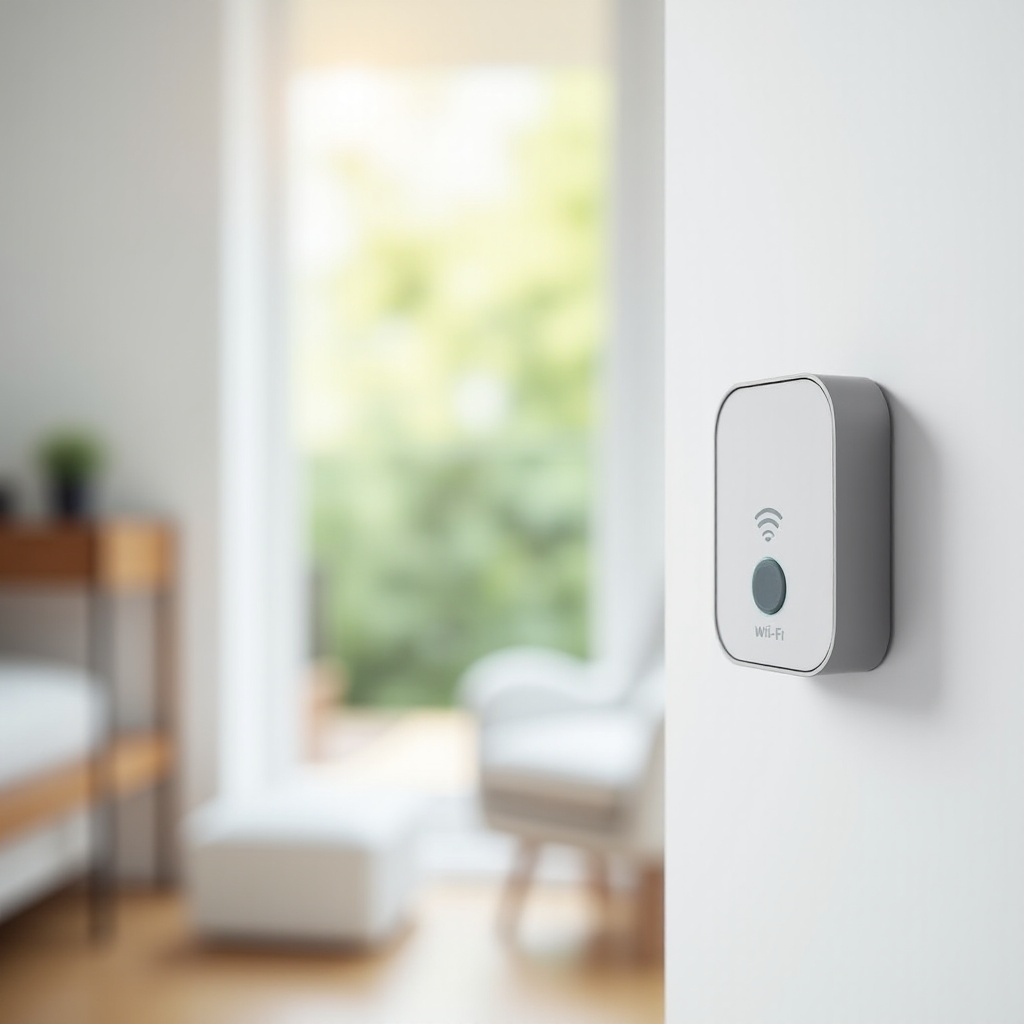
Wi Fi sensors are easy to set up but can drain batteries faster and suffer on crowded networks. Bluetooth Low Energy sips power but needs good proxy support from nearby devices. If you want hub free, start small and test coverage.
Apple Home, Google Home, Alexa, SmartThings: Picking Your Platform
Choose sensors that integrate natively with your primary platform. Apple users favor Matter or HomeKit. Alexa users need routine ready contact devices. Google Home users should confirm Script Editor triggers. SmartThings users benefit from Zigbee, Z Wave, or Matter with local processing.
Now that your protocol and platform plan is clear, let us place sensors precisely so they trigger on time and stay stuck where you mount them.
Installation and Placement Tips
Magnet Gap, Alignment, and Mounting Orientation
Keep the magnet and sensor aligned, with minimal gap when closed. Test the contact state before final mounting. Mount the magnet on the moving side and the sensor on the frame to avoid vibration.
Adhesives vs Screws: When to Use Which
Use high bond adhesive strips on smooth, clean surfaces for quick installs. Use screws on rough or porous surfaces, high traffic doors, or in areas with temperature swings.
Metal Frames, Sliding Doors, and Casement Windows
Metal can weaken signal and magnet coupling. Add a thin non metal spacer if needed. For sliders and casements, align along the shortest path to keep the magnet within tolerance.
With solid mounting, power becomes the next variable to manage. A small battery plan prevents missed alerts and keeps automations dependable.
Battery Life and Power Management
Coin Cells vs AAA: Lifespan and Replacement
Coin cells keep sensors slim and typically last one to three years. AAA cells are bulkier but may last longer and perform better in cold climates.
Low Battery Alerts and Spares Strategy
Enable platform alerts and keep spare cells on hand. Label install dates and replace batteries in batches during seasonal maintenance for consistency.
Power Saving Settings and Firmware Updates
Some sensors allow tuning reporting intervals and LED behavior. Choose conservative settings to extend life. Update firmware to fix drain issues and improve reliability.
Power is stable. Now ensure your signals travel reliably through walls, appliances, and distance so every open event reaches your platform.
Range, Reliability, and Interference
Optimizing Mesh Health (Thread Zigbee Z Wave)
Add powered repeaters or Thread routers to strengthen paths. Place them evenly across floors and halls. Avoid long gaps between routers and dead zones.
Dealing with Wi Fi Congestion and 2.4 GHz Noise
Reduce neighbor channel overlap. Keep your router away from microwaves and baby monitors. If possible, separate 2.4 and 5 GHz SSIDs to stabilize low power devices.
Placement Around Appliances, Ductwork, and Thick Walls
Large appliances and ductwork block signals. Mount on the side with a cleaner line to your hub or router. If range is tight, try alternate edges or add a repeater.
With signals flowing, turn to privacy and security. Strong connectivity means little without strong protection of events and accounts.
Privacy and Security Considerations
Local Control vs Cloud: Pros and Cons
Local control reduces latency and exposure to outages. Cloud features add convenience but depend on vendor uptime. Pick local first when possible, and use cloud only where it adds clear value.
Encryption, Tamper Alerts, and Event Logs
Choose sensors and platforms that encrypt traffic end to end. Enable tamper alerts to detect removal. Review logs to confirm events and spot unusual patterns.
Data Retention, Shared Access, and Guest Modes
Limit event history to what you need. Manage household roles for shared access. Use guest modes to mute alerts for cleaners, sitters, or visitors.
With privacy set, put your sensors to work. Build routines that save time, energy, and stress while keeping disruptions to a minimum.
Smart Automations and Use Cases
Night Mode: Auto Arming, Lights, and Notifications
Create a night routine at a set hour. If a door opens, send a push alert and turn on hallway lights to a low level for safe movement.
Energy Savings: HVAC Pause When Windows Open
If a window stays open for five minutes, pause the thermostat and notify the household. Resume when closed to avoid waste.
Safety: Door Chimes, Child Proofing, and Pool Gates
Play a gentle chime on smart speakers when a door opens. Add alerts for garage and backyard gates to protect kids and pets.
Delivery and Garage Flows: Alerts and Lighting
During delivery hours, turn on entry lights when the porch door opens. Pair with a camera to capture clips for package events.
Renter Friendly Automation Ideas
Use hub free sensors for front doors and mail slots. Stick with strong adhesive and keep spare strips for moves and redeployments.
To choose devices for those automations, you need a clear test plan. The next section shows how to evaluate sensors before you commit.
Testing Methodology and Evaluation Criteria
Latency, False Alerts, and Event Reliability
Open and close doors at different speeds and distances. Measure time to trigger. Track false events and missed closures across a few days.
Range Tests Across Doors and Window Types
Test front, back, garage, slider, and casement windows. Add obstacles and note where signals drop. Place repeaters where routes look weak.
Build Quality, Adhesive Strength, and Weather Tolerance
Inspect casing seams, magnet strength, and tamper fit. Test adhesives on paint, wood, and metal. For outdoor edges, check for ingress resistance.
App Experience, Setup Friction, and Firmware Support
Evaluate QR pairing, error recovery, and device pages. Favor vendors with clear release notes, frequent updates, and transparent support.
After testing, match devices to your platform. Each ecosystem has strengths, and small setup choices affect day to day reliability.
Platform Specific Picks and Setup Notes
Apple Home (HomeKit Matter): Secure Video, Automation Tips
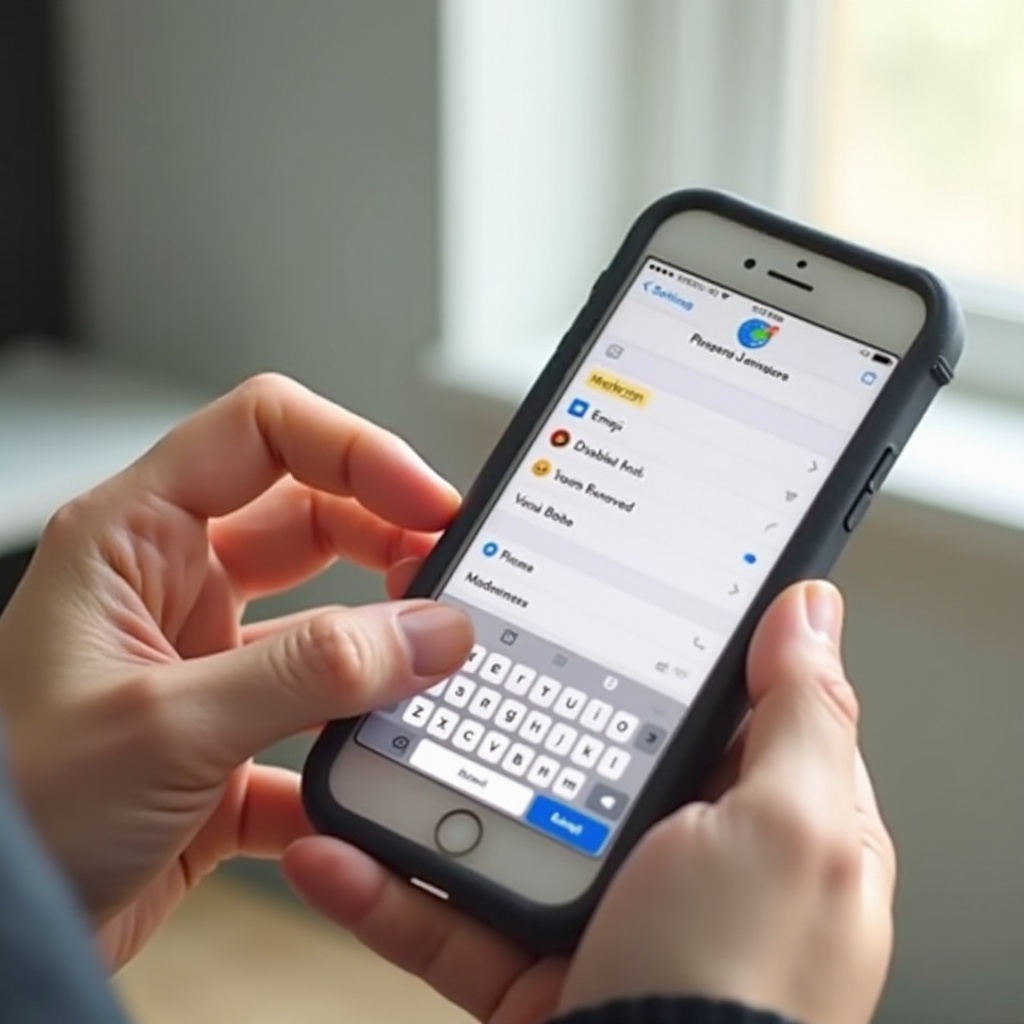
Add sensors using Matter or native HomeKit. Build automations with Presence and Time. Combine with compatible cameras for event tagging.
Amazon Alexa: Routines, Guard Compatibility, and Echo Hubs
Confirm sensors appear as triggers in Routines. Use Echo devices with hub or router roles for better reach. Pair alerts with Guard features if available.
Google Home: Script Editor, Household Roles, and Nest Hubs
Check that sensors show up in the Script Editor. Create conditions for presence, time ranges, and modes. Use Nest displays as chimes or status panels.
SmartThings: Edge Drivers, Local Processing, and Scenes
Prefer sensors with official Edge drivers for local speed. Build Scenes for arming modes and bedtime flows. Use powered repeaters to stabilize the mesh.
Cross Platform Champions: Multi Ecosystem Interop
Matter sensors shine if you mix platforms. Add them to multiple admins and keep firmware current to prevent pairing drift across ecosystems.
With platform notes covered, map the best path for your home size, privacy needs, and budget. The next section turns guidance into clear picks.
Who Should Buy What: Scenario Based Advice
Whole Home Coverage on a Budget
Pick Zigbee kits with multiple sensors and a hub. Add a few powered repeaters and cover exterior doors, sliders, and key windows first.
Privacy First, Local Only Setups
Choose Matter over Thread or Zigbee with local processing. Disable cloud features you do not need and keep everything on your local network.
Mixed Ecosystems and Future Proofing with Matter
If you use Apple, Google, and Alexa, go Matter first. Confirm multi admin works with your border routers and plan placements for strong Thread paths.
Small Apartments and Renter Moves
Use hub free Wi Fi or Bluetooth sensors with strong adhesive. Keep a small box of spare strips and batteries for fast redeployments.
Large Homes, Outbuildings, and Long Range Needs
Use Zigbee or Z Wave with repeaters or Thread with well placed border routers. Consider long gap magnets for garage doors and metal framed gates.
With the right gear chosen, a little maintenance goes a long way. The final tips below help you fix issues fast and keep sensors humming.
Troubleshooting and Maintenance
Offline Sensors, Re Pairing, and QR Commissioning
If a sensor drops offline, check battery, magnet alignment, and range first. Reboot the hub or router. Re pair with QR codes and avoid factory resets unless needed.
Replacing Adhesives and Avoiding Paint Damage
Warm adhesive with a hair dryer and peel slowly. Clean residue with a citrus based remover. Use fresh high bond strips when you remount.
Seasonal Checks for Doors, Windows, and Weather Strips
Seasonal swelling can shift alignment. Test each sensor quarterly. Re seat magnets and adhesives after heat waves or long cold snaps.
Conclusion
The best door and window sensors fit your platform, fire events instantly, and keep working for years with minimal fuss. Choose a protocol that matches your network and future plans, then place sensors for clean alignment and strong signal paths. Favor local control for speed and privacy. Use repeaters or border routers to strengthen coverage where walls and distance test your network. Build simple automations that save time and energy while avoiding nuisance alerts. With thoughtful setup and a small maintenance routine, your doors and windows become reliable triggers for comfort, security, and peace of mind that you notice only when you need them most.
Frequently Asked Questions
Do I need a hub, bridge, or border router for door and window sensors in 2026?
It depends on protocol. Thread based Matter needs a Thread border router. Zigbee and Z Wave need a hub. Wi Fi and Bluetooth can work hub free but may trade battery life or range.
Can I mix Matter, Zigbee, Z Wave, and Wi Fi sensors in one home?
Yes. Many homes mix protocols through hubs and border routers. Keep meshes healthy with repeaters, and avoid two hubs trying to manage the same device.
How do I use sensors outdoors or on garages without false alerts?
Choose weather resistant sensors or mount inside the frame. Use long gap magnets for garage doors. Add repeaters for range and include time or presence conditions in alerts.